
All Blogs
Clay pricing in 2026 goes beyond the monthly plan. See what Data Credits, Actions, and hidden costs add up to before you buy. September 2026.

Evan Marshall
Senior Growth AI Strategist
Published On

While buying Clay is the easy part, predicting what you will actually spend remains a much harder challenge.
Clay has become one of the most powerful GTM workflow platforms available to modern revenue generation teams in 2026. However, your monthly subscription is only one part of the equation when calculating your overall software acquisition costs.
Credits, actions, enrichment providers, workflow complexity, and external integrations all influence your actual monthly cash expenditures heavily.
Now, teams no longer evaluate platform decisions based on listed monthly software subscription prices alone. They evaluate cost per qualified meeting, team workflow productivity, and the operational overhead required to build complex databases.
In this guide, you will find a clear breakdown of pricing plans, credit structures, and alternative pipeline platforms.
Clay Pricing At A Glance
Here is a quick overview of Clay's current pricing structure to help you map your initial monthly technology budget:
Plan | Starting Price | Best For |
Free | $0 | Learning Clay |
Launch | Starts at $167/month | Small teams |
Growth | Starts at $446/month | For teams with CRM-based workflows |
Enterprise | Custom | Large organizations |
What Clay Does Well
Clay has become the preferred workflow builder for many RevOps teams because of its flexibility and massive integration options.
Here are the specific areas where the platform performs exceptionally well for modern business database operations:
Multi-provider enrichment: You can search over one hundred data vendors simultaneously to find accurate business email addresses and corporate mobile phone numbers.
Workflow automation: The platform allows your operations team to construct automated multi-step data pipelines that trigger based on specific customer criteria.
Data waterfalls: You can automatically run cascading searches across multiple data sources until you find the correct verified prospect information.
CRM synchronization: The software keeps your sales records up to date by pushing enriched prospect data directly to your central CRM system.
API flexibility: Your developers can connect any custom external tools using standard programmatic interfaces to build highly customized internal workflows.
AI research (Claygent): You can deploy automated web agents to conduct custom online research and extract specific personalized insights from websites.
Where Clay Falls Short
Because extreme platform power often introduces significant complexity, teams without dedicated operational resources frequently struggle to realize maximum return.
These distinct operational limitations often influence purchasing decisions when growth teams choose to select alternative pipeline development platforms. The following limitations often influence purchasing decisions:
Steep learning curve: Your team will need to spend weeks learning the platform syntax before building production-ready sales outbound campaigns.
Credit management: You must constantly monitor your monthly credit consumption to prevent unexpected overage fees when running large data waterfalls.
Workflow maintenance: If an external data provider updates their code, your established tables might break and require manual engineering attention.
Operational complexity: Managing multiple variables across massive spreadsheet databases often consumes hours of internal staff time that could be focused on selling.
Multiple platform dependencies: You still need to purchase separate outreach sending tools because the platform itself does not deliver final outbound messages.
Does not generate pipeline: The platform builds lists but cannot capture active website traffic or book high-value, qualified sales meetings for you automatically.
How Much Does Clay Cost In 2026?

Clay uses a usage-based pricing model that combines platform access with consumption limits. Unlike traditional SaaS products that primarily charge per user, Clay's pricing depends on how many Data Credits and Actions your workflows consume.
As your enrichment volume, AI research, and automation increase, your monthly costs typically grow through platform usage rather than additional seats.
Here is what each Clay pricing plan includes:
1. Free Plan
The Free plan is designed for learning the platform and experimenting with small workflows before committing to a paid subscription. You receive unlimited seats and tables, access to multi-provider waterfalls, Claygent AI research, bring-your-own API keys, native email sequencing, and up to 200 rows per table.
The plan also includes 6,000 Actions and 1,200 Data Credits annually, making it suitable for testing rather than production-scale GTM operations.
2. Launch
Starting at $167/month, Launch expands on the Free plan by supporting production workflows for smaller revenue teams. It adds phone number enrichment, unlimited Audience searches, job change tracking, company signals, reusable workflow functions, and native campaign launching through Clay or integrated providers.
You can process up to 50,000 rows per table while receiving 180,000 Actions and 30,000 Data Credits annually, giving growing teams significantly more capacity.
3. Growth
Growth targets organizations managing CRM synchronization and larger outbound operations. It includes automatic CRM and data warehouse enrichment, unlimited Audience searches, up to 250,000 imports, webhook automation, HTTP API integrations, web intent tracking, one advertising audience, and priority support.
Starting at $446/ month, the plan provides 480,000 Actions and 72,000 Data Credits annually, making it appropriate for mature RevOps teams running sophisticated automation across multiple systems.
4. Enterprise
Enterprise is designed for organizations operating large-scale GTM infrastructure with complex governance requirements. It includes unlimited advertising audiences, unlimited Audience imports and searches, and single sign-on.
You also get advanced role-based access controls, workbook-level credit budgets, viewer permissions, and a dedicated Growth Strategist who supports onboarding, workflow planning, product adoption, and long-term optimization.
Pricing is customized based on organizational requirements.
What Are Clay Credits And Actions?
Clay's pricing becomes much easier to understand once you separate subscription fees from platform usage. Many first-time buyers focus on the monthly subscription while overlooking how workflows consume Data Credits and Actions every day.
Those usage limits usually determine your long-term operating cost much more than your initial plan selection.
Before purchasing Clay, understand these pricing components:
1. Data Credits
Data Credits are primarily used whenever Clay enriches records using external providers. Finding verified email addresses, mobile numbers, company information, buying signals, or custom research through Claygent typically consumes credits.
Different enrichment providers charge different amounts, while waterfall enrichment may query multiple providers before finding successful results. Your total credit usage depends on workflow design, provider selection, and enrichment volume.
2. Actions
Actions measure workflow activity rather than data enrichment itself. Every automation, formula, API request, webhook, CRM synchronization, conditional workflow, and platform process consumes Actions.
As workflows become more sophisticated, Action consumption often increases alongside Data Credit usage. Teams running large-scale automation should monitor both metrics instead of focusing only on enrichment costs.
Why Do Both Matter?
Subscription pricing tells only part of the story because your monthly operating cost depends on both Credits and Actions. A workflow may consume very few Data Credits while executing thousands of Actions through automation, or the opposite may occur with enrichment-heavy processes.
Understanding both measurements helps your team forecast costs accurately, design more efficient workflows, and avoid unexpected usage increases as operations scale.
Hidden Costs Most Buyers Miss
Because this platform rarely operates as a standalone solution, your total technology ownership costs will easily exceed the subscription.
Here are the primary additional expenses you must budget for when planning your comprehensive outbound revenue generation stack:
LinkedIn Sales Navigator: You must pay for premium LinkedIn subscriptions to access the advanced search parameters required for successful list building.
Additional enrichment providers: You will often need to purchase external key access to supplementary data vendors to improve database match rates.
Email verification: To protect your domain reputation, you must integrate separate validation tools to clean your contact databases before mailing.
CRM maintenance: You will likely need specialized engineering assistance to map complex custom data fields between databases and your sales systems.
Workflow management: Building new automated sequences requires constant manual oversight to repair broken API connections and update old filter rules.
RevOps resources: You will need to hire dedicated consultants or operations specialists to keep these advanced software pipelines running smoothly.
Why Teams Pair Or Replace Clay With Breakout
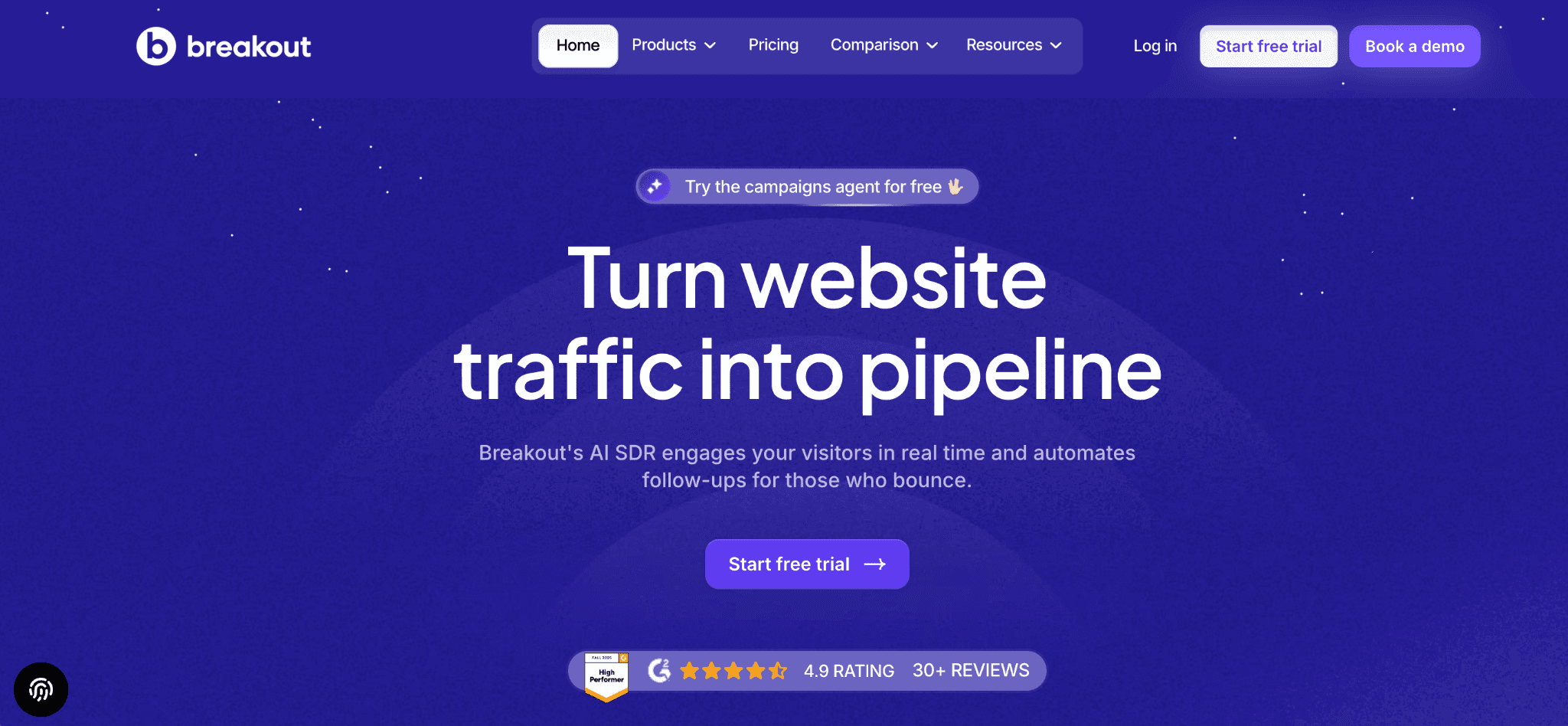
Clay helps you build better prospect lists, enrich customer data, and automate GTM workflows. Breakout solves a different problem. It turns existing website traffic into a qualified pipeline by engaging buyers while they are actively evaluating your product.
Many revenue teams use both platforms together because they improve different stages of the buyer journey.
Revenue teams increasingly choose Breakout because it:
1. Converts Website Visitors Into Meetings
Your website already attracts potential buyers every day, but many leave before speaking with sales. Breakout identifies high-intent visitors, starts relevant conversations, answers product questions, and guides qualified prospects toward meetings before they abandon their session.
2. Qualifies Buyers Automatically
Not every visitor deserves immediate attention from your sales team. Breakout evaluates prospects against your ideal customer profile using company data, behavioral signals, and AI-led conversations. Your SDRs spend more time speaking with qualified buyers instead of filtering every inbound inquiry manually.
3. Books Meetings Without SDR Intervention
Traditional workflows often rely on SDRs to review leads, send follow-up emails, and coordinate calendars. Breakout removes those manual steps by qualifying buyers and booking meetings directly with the appropriate representative while buying intent remains high.
4. Works Alongside Clay And Apollo
Clay enriches data. Apollo supports outbound prospecting. Breakout complements both platforms by capturing inbound demand before buyers disappear. Together, they create a connected revenue workflow that spans enrichment, engagement, qualification, and outbound follow-up.
5. Improves Speed-To-Lead
The first few minutes after a buyer shows interest often determine whether an opportunity progresses. Breakout responds instantly while prospects remain on your website, eliminating delays caused by manual lead reviews or scheduled follow-up sequences.
6. Generates Pipeline Instead of Additional Workflows
Clay excels at orchestrating workflows behind the scenes, but those workflows still depend on campaigns and prospecting to create opportunities. Breakout focuses directly on generating qualified meetings, allowing your team to measure success through pipeline creation rather than workflow complexity.
Should You Pair Clay With Breakout Or Replace It?
The answer depends on your primary revenue objective.
If your team depends on sophisticated enrichment workflows, CRM synchronization, waterfall lookups, and outbound automation, Clay remains one of the strongest platforms available. Few products match its flexibility for managing GTM operations across multiple data providers and integrations.
However, if your biggest challenge is turning existing website traffic into qualified meetings, adding more enrichment workflows alone may not improve results. Your buyers already visit your website. The opportunity lies in engaging them before they leave.
Many organizations choose to use both platforms together. Clay manages enrichment, automation, and outbound preparation, while Breakout captures inbound demand, qualifies buyers automatically, and creates meetings in real time. Instead of replacing one another, they strengthen different parts of your revenue engine.
Conclusion
Clay remains one of the strongest workflow automation platforms available for RevOps teams managing complex enrichment, CRM synchronization, and outbound operations.
However, the monthly subscription represents only part of your total investment. Data Credits, Actions, external providers, integrations, and ongoing workflow maintenance all contribute to your actual operating costs.
If your biggest challenge is generating more qualified meetings from existing website traffic, workflow automation alone may not deliver the outcome you want. Breakout complements or replaces parts of that motion by engaging buyers in real time, qualifying them automatically, and booking meetings before they leave your website.
Start your free trial today to see how an AI SDR qualifies visitors and books meetings in minutes, not months.
FAQs
Q. How much does Clay cost in 2026?
Clay offers four pricing plans: Free, Launch, Growth, and Enterprise. Paid plans currently begin at $167 per month, while Enterprise pricing is customized. Your total investment depends on Data Credits, Actions, workflow complexity, enrichment usage, and the third-party providers connected to your account.
Q. What are Clay credits?
Data Credits pay for enrichment activities inside Clay. They are consumed when you retrieve information such as email addresses, phone numbers, company details, buying signals, or AI-generated research. Different enrichment providers charge different credit amounts, so usage varies depending on your workflows.
Q. What are Actions in Clay?
Actions measure workflow execution rather than enrichment. Running automations, API requests, formulas, CRM synchronization, conditional logic, and other platform processes consumes Actions. Monitoring both Actions and Data Credits helps you forecast usage more accurately as your workflows become more sophisticated.
Q. Is Clay worth the cost?
Clay offers excellent value if your organization depends on complex enrichment, outbound prospecting, and workflow automation. Before purchasing, you should also consider ongoing operational effort, credit consumption, workflow maintenance, and the additional platforms required to complete your GTM stack.
Q. What is the highest hidden cost of Clay?
Many teams focus on the subscription price while overlooking external costs. Additional enrichment providers, LinkedIn Sales Navigator, email verification, CRM maintenance, workflow optimization, and dedicated RevOps resources often increase the total cost of ownership well beyond the advertised monthly plan.
Q. What is the best alternative to Clay?
If your priority is enrichment, workflow automation, and GTM orchestration, Clay remains one of the strongest options available. If your priority is generating qualified meetings from existing website traffic, Breakout offers a different approach by identifying buyers, qualifying them automatically, and creating pipelines instead of additional workflows.


