

According to a Harvard Business Review study, reps who respond to a new lead within five minutes are roughly 100 times more likely to actually connect with them than reps who wait 30 minutes. That number holds up across industries, and it's the whole reason speed to lead became its own software category instead of a line item under CRM.
What that category actually contains, though, isn't one tool doing one job. It's five different jobs, and most teams end up running a different tool for each one:
Responding to a website visitor (before they're even a lead)
Most of your highest-intent traffic never fills out a form at all, they browse, compare, and leave. Catching that person while they're still on the page, before there's a name or a record anywhere, is arguably the fastest speed-to-lead response there is, because it skips the gap entirely instead of racing to close it.
Routing
Once a lead does exist, it has to land with the right rep, the one who owns that territory, that account tier, or that round-robin slot, instead of sitting in a shared inbox until someone notices it.
Scheduling
A lead that has to email back and forth to find a meeting time is a lead that's cooling off with every reply. Getting straight from "interested" to a booked slot on a calendar removes that friction.
Dialing
Speed matters on the phone specifically, a rep who can get a live prospect on the line in the first few minutes converts at a completely different rate than one working through a call queue an hour later.
Enrichment
Speed without context isn't much of an advantage. A rep who calls fast but has no idea who they're calling, what the company does, or why this lead matters, is still working blind.
Below is the full list at a glance, then a proper deep dive into each one: why it made the cut, what it actually costs, and who it's really built for.
Quick Reference
Job | Tool | Starting cost | G2 rating | Best for |
|---|---|---|---|---|
Real-time visitor response | Breakout | $500/mo (ID only), $2,000/mo (full AI SDR) | 5.0/5 (30+) | Any team, no Salesforce required |
Real-time visitor response | Qualified | Custom, six figures | 4.9/5 (1,200+) | Salesforce-native enterprise |
Routing | LeanData | $30K–60K/yr | 4.6/5 (1,000+) | Enterprise, complex territories |
Routing | LeadAngel | Quote-based, free trial | 4.5/5 (46) | Smaller RevOps teams |
Scheduling | Chili Piper | $15K–42K/yr | 4.6/5 (715) | Salesforce-heavy mid-market/enterprise |
Scheduling | RevenueHero | $15–45/user/mo | 4.8/5 (161) | HubSpot-first teams |
Dialing | Kixie | $65–95/user/mo | 4.8/5 (860+) | HubSpot/Salesforce teams under 20 reps |
Dialing | Orum | $250–800/user/mo | 4.6/5 (780) | High-volume enterprise outbound |
Enrichment | Clay | $185–495+/mo | 4.7/5 | Technical RevOps, workflow builders |
Enrichment | ZoomInfo | $25K–60K/yr | 4.5/5 (12,600+) | Enterprise, largest database |
Category 1: Real-Time Visitor Response
Every other category in this piece is racing to shrink the gap between a lead existing and a rep responding to it. All of that assumes the gap has to exist in the first place —a form gets filled, a contact gets captured, then the clock starts. But a huge share of your highest-intent traffic never triggers that clock at all.
Around 98% of B2B website visitors leave without filling out a form according to research. The fastest possible speed-to-lead response, therefore, isn't a faster five minutes. It's ZERO! Which means responding while someone's still on the page, before they've become a formal lead at all. That's why this category leads the list instead of closing it out.
a) Breakout
Why It Made The Cut
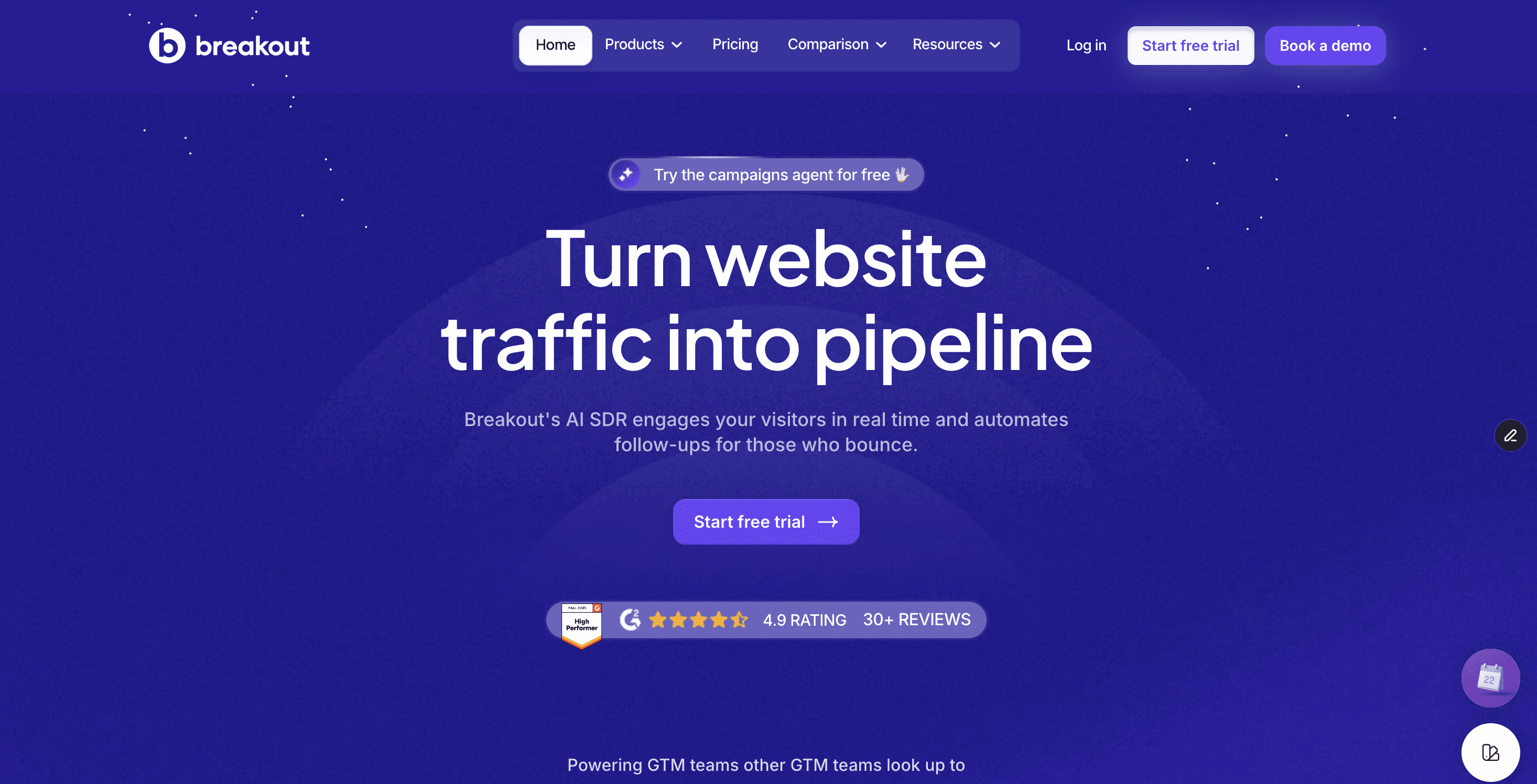
Most of the tools on this list stop at telling you a lead exists. Breakout acts on it. It identifies anonymous visitors at the company and person level the moment they land, no form required, then holds a real AI-led conversation that adapts to what they're actually doing on the site, surfacing the right case study, demo, or pricing view based on their behavior rather than a scripted flow. If a high-intent visitor bounces before converting, it follows up automatically over email and LinkedIn using the context it already captured.
Pricing
Two relevant tiers, Signals starts at $500/month for visitor deanonymization alone, Growth (the full AI SDR conversation engine described above) starts at $2,000/month (Breakout pricing). No six-figure commitment or implementation fee either way.
G2 Rating
5.0/5 across 30+ reviews (G2), a smaller sample than the more established platforms on this list, though it's earned G2 badges across AI Chatbots, Conversational Marketing, and Buyer Intent Data Providers in recent reporting cycles.
Best For
Any team, no Salesforce dependency, live within three hours.
How Revenue Teams Use It
HackerEarth implemented Breakout in under a day to engage high-intent website visitors with AI-powered conversations. The results: 2.5% higher visitor engagement, a 10% lead capture rate from conversations, and 21% of a full quarter's pipeline either sourced or influenced by Breakout, without adding to the SDR team.
HackerEarth's CEO put it plainly after switching from Drift and Qualified: "Breakout feels like we hired our smartest Inbound SDR, without actually hiring one. Within weeks, we increased our meetings booked, and Breakout was handling conversations that used to take hours of rep time." (Vikas Aditya, CEO, HackerEarth)
Once Breakout captures that lead, it doesn't need to sit in a queue waiting for a human to notice it. Breakout's newer product, Spoc, runs as a single point of contact across your GTM stack, briefed once, connecting to Apollo, Clay, HubSpot, Smartlead, and 55+ other tools so a qualified visitor gets routed into your existing sequences and CRM the moment they're ready, without someone manually shuttling data between systems.
b) Qualified
Why It Made The Cut
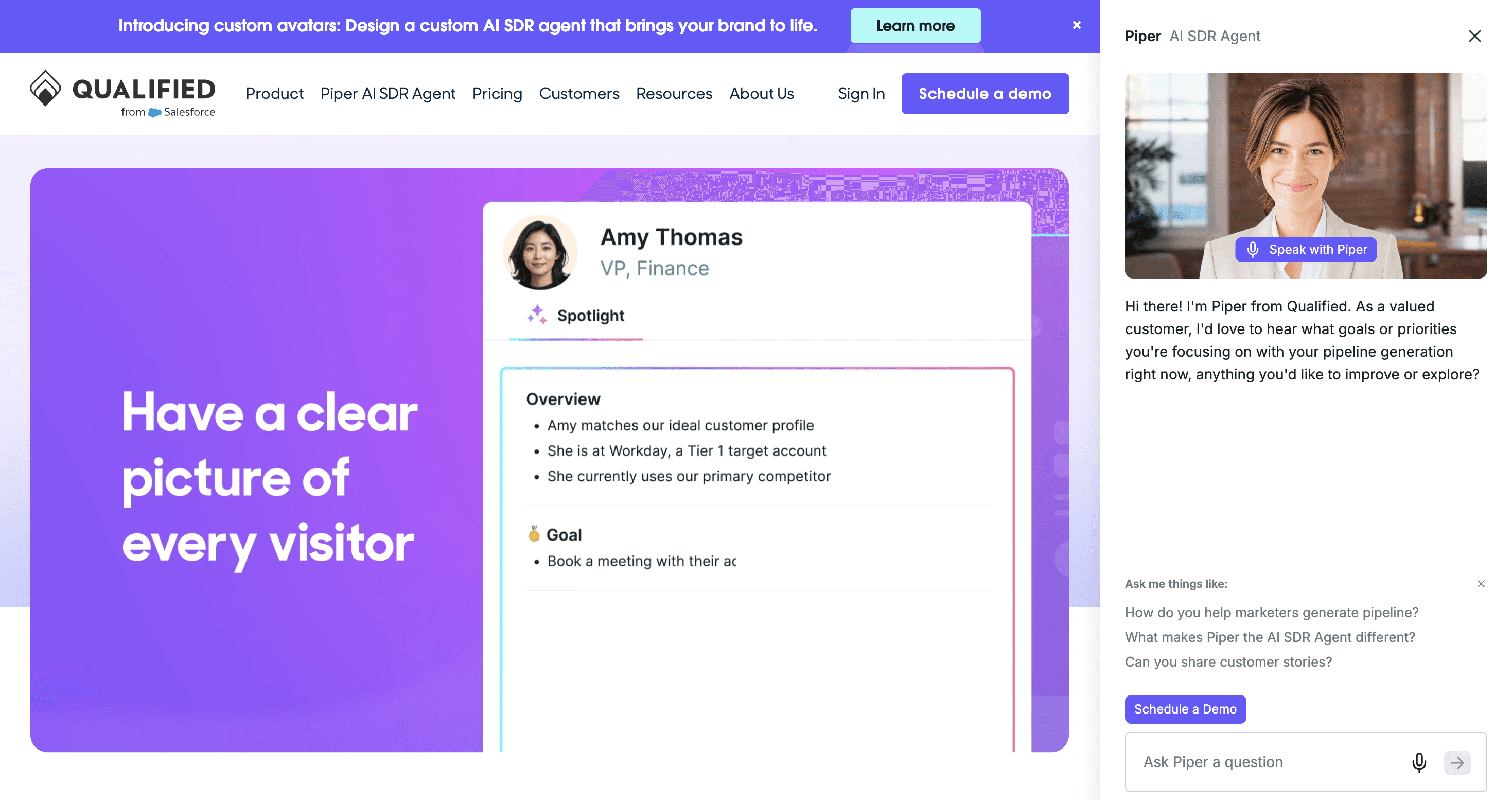
A visitor lands on a Salesforce customer's pricing page, Qualified recognizes the account from Salesforce data, surfaces it to the right rep in real time, and starts a live chat, the same motion Breakout runs, but built entirely on top of a Salesforce data layer for enterprise ABM teams.
Pricing
Custom, typically six figures annually.
G2 Rating
4.9/5 across 1,200+ reviews (Breakout's review of Qualified's G2 record).
Best For
Large orgs already running Salesforce-centric ABM, with a dedicated admin or RevOps specialist to run it. Salesforce isn't optional, it's a hard architectural requirement.
Bottom Line
Choose Qualified if you're Salesforce-native, enterprise-scale, and the price reflects a rounding error in your budget. Choose Breakout if it doesn't.
Category 2: Best Tools For Lead Routing
A lead that lands doesn't do anyone any good sitting in a shared inbox or a generic queue. Routing is the job of getting that lead to the specific rep who owns it, by territory, account tier, or round-robin rotation, the moment it exists, instead of leaving it for someone to notice on their own. The tools below handle that matching and assignment automatically, at very different levels of complexity and cost.
c) LeanData
Why It Made The Cut
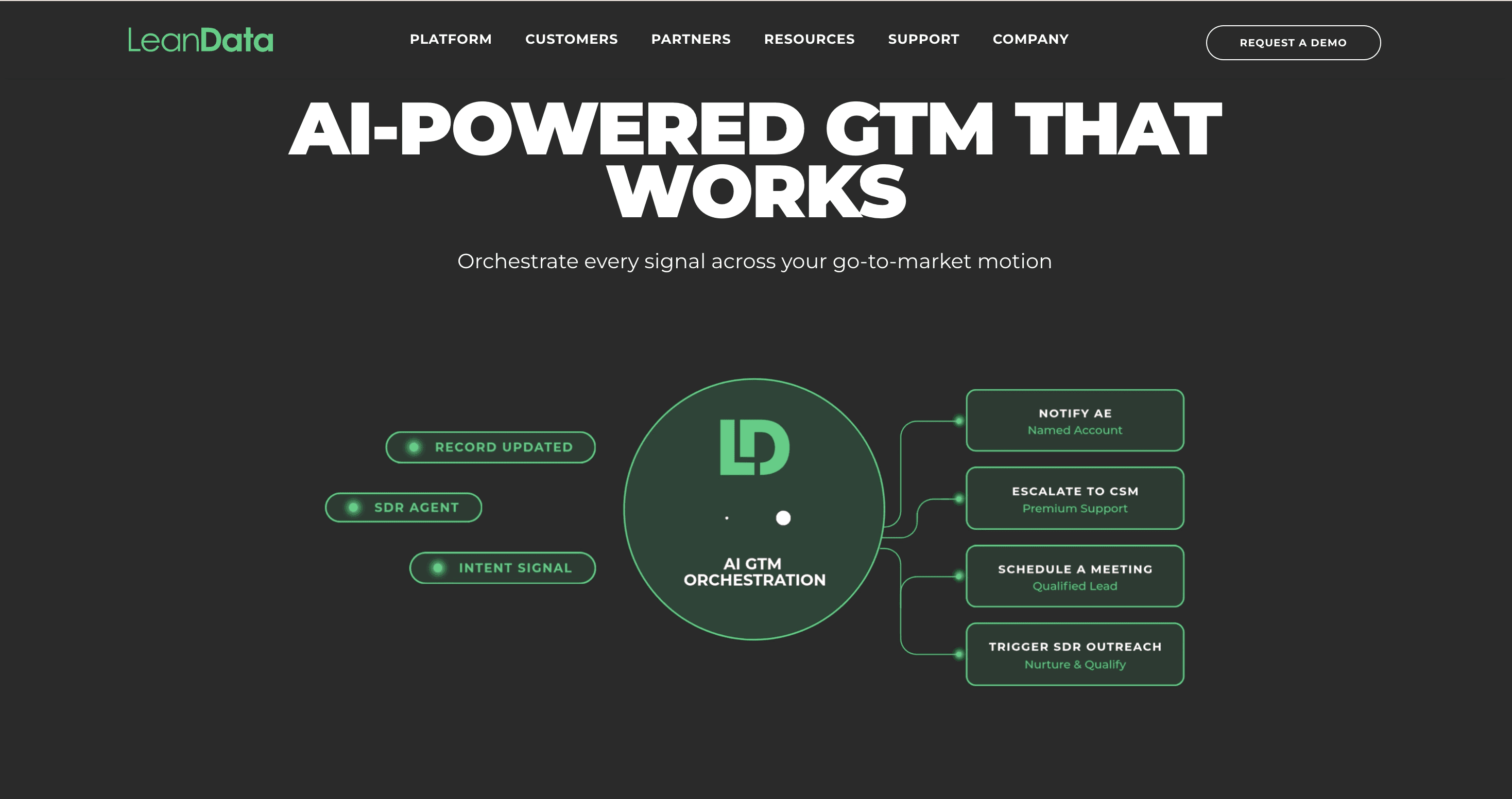
It's the category incumbent, a visual, drag-and-drop routing engine that handles multi-object assignment across leads, contacts, accounts, and opportunities. LeanData advertises 95% lead-to-account matching accuracy, and reviewers consistently back that up in practice.
Pricing
Not published. Expect $30,000–$60,000/year for a mid-market deployment running matching, routing, and scheduling together (TheCROReport).
G2 Rating
4.6/5 across 1,000+ reviews (G2).
Best For
Salesforce-native revenue teams with genuinely complex territory and round-robin logic, mid-market and up. HubSpot-first teams should look elsewhere.
Bottom Line
Choose LeanData if your routing logic is genuinely complex and you're already deep in Salesforce. Look elsewhere if you're still building out your CRM instance.
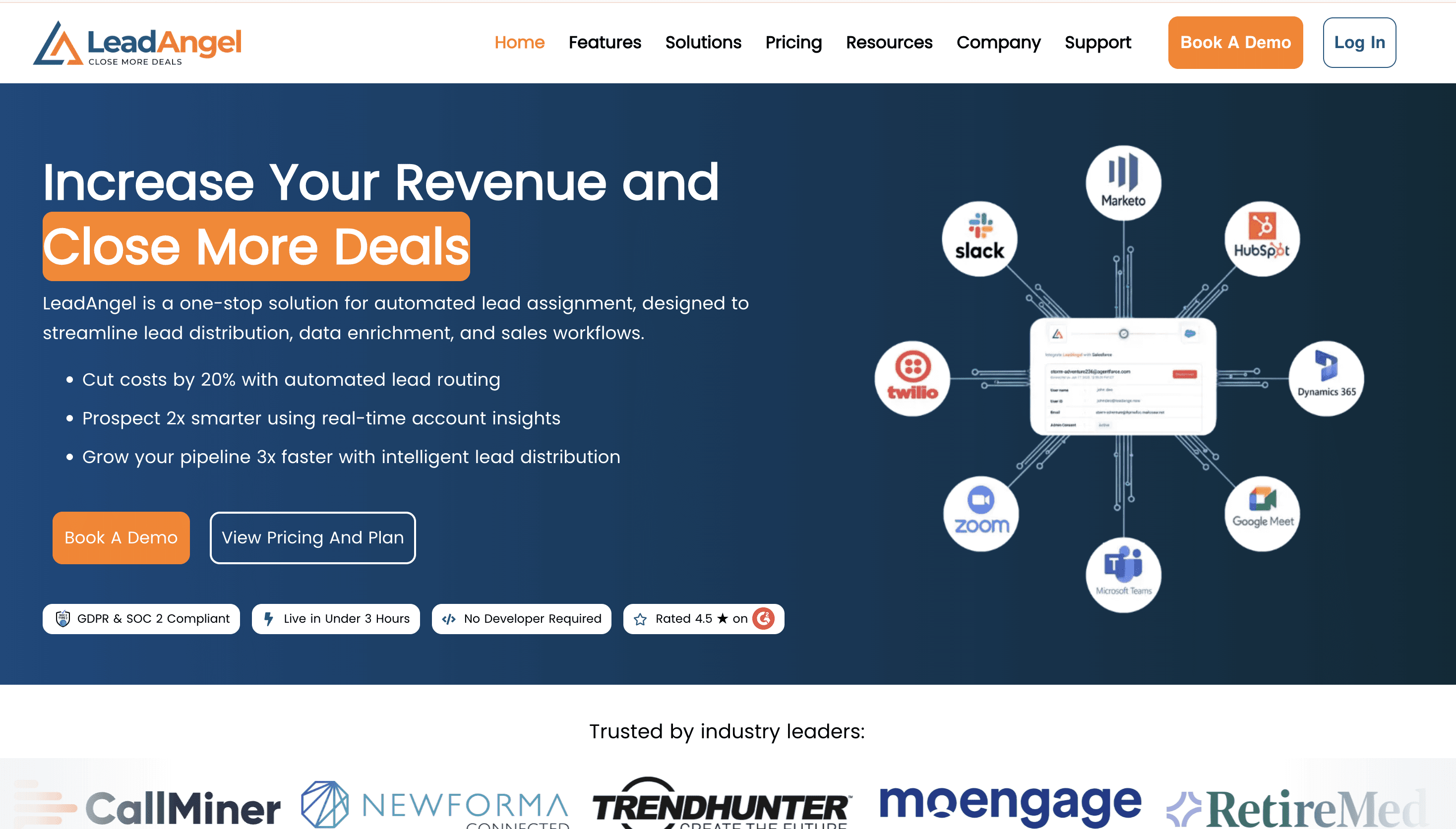
d) LeadAngel
Why It Made The Cut
Same core job as LeanData, lead-to-account matching and routing, with a free trial and a much lighter onboarding lift for teams that don't need LeanData's full complexity.
Pricing
Not published, but a free trial is available rather than a mandatory sales quote (G2).
G2 Rating
4.5/5 across 46 reviews, a much smaller sample than LeanData's.
Best For
Smaller RevOps teams still building out their Salesforce instance who want to test before committing.
Bottom Line
Choose LeadAngel if you want to test routing logic before signing an enterprise contract. Choose LeanData if you already know you need the deeper feature set.
Category 3: Meeting Scheduling
Every email exchanged to find a meeting time is another chance for a lead to cool off or get distracted by a competitor's tab. Scheduling tools remove that back-and-forth entirely, taking someone straight from expressing interest to a confirmed slot on a rep's calendar, often before they've even left the page that convinced them to book.
e) Chili Piper
Why It Made The Cut
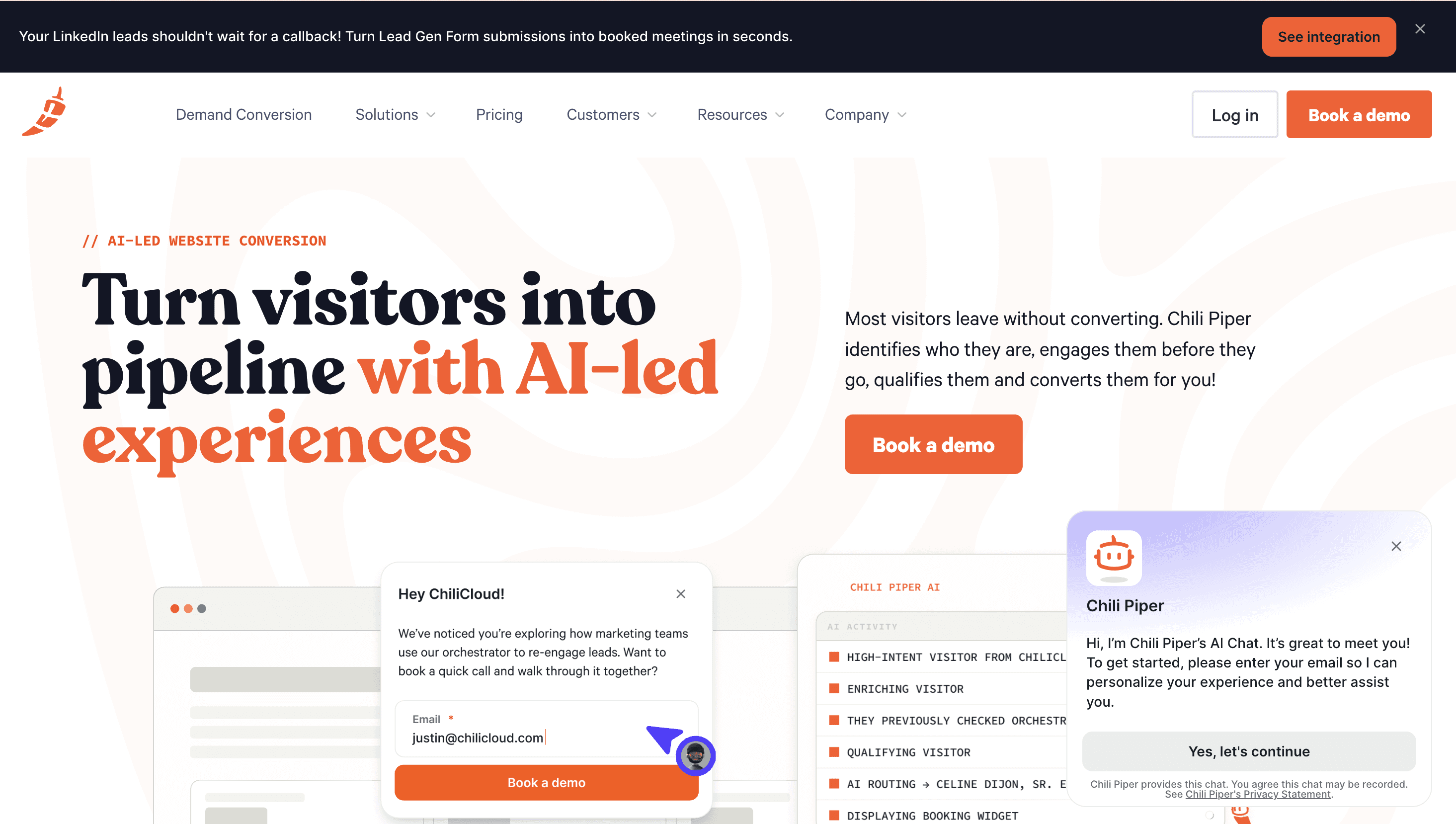
Five named products, Concierge, Distro, Handoff, ChiliCal, and Chat AI, cover the full motion from web form to qualified meeting on a rep's calendar, with no manual handoff. It's earned its category position through a decade of Salesforce-native routing depth.
Pricing
Restructured in 2026, the Routing & Scheduling tier now starts at $15,000/year for 15 seats, with the full Experiences tier (adding AI-powered web engagement) running $42,000/year (Hacking Demand). That's a real jump from older reviews still floating around, worth knowing if you're pricing this out from an outdated post.
G2 Rating
4.6/5 across roughly 715 reviews (G2).
Best For
Salesforce-heavy mid-market and enterprise teams with real routing complexity to justify the price floor.
Bottom Line
Choose Chili Piper if your motion is complex enough to need five connected products. Choose RevenueHero if a simpler, cheaper setup covers what you actually need.
f) RevenueHero
Why It Made The Cut
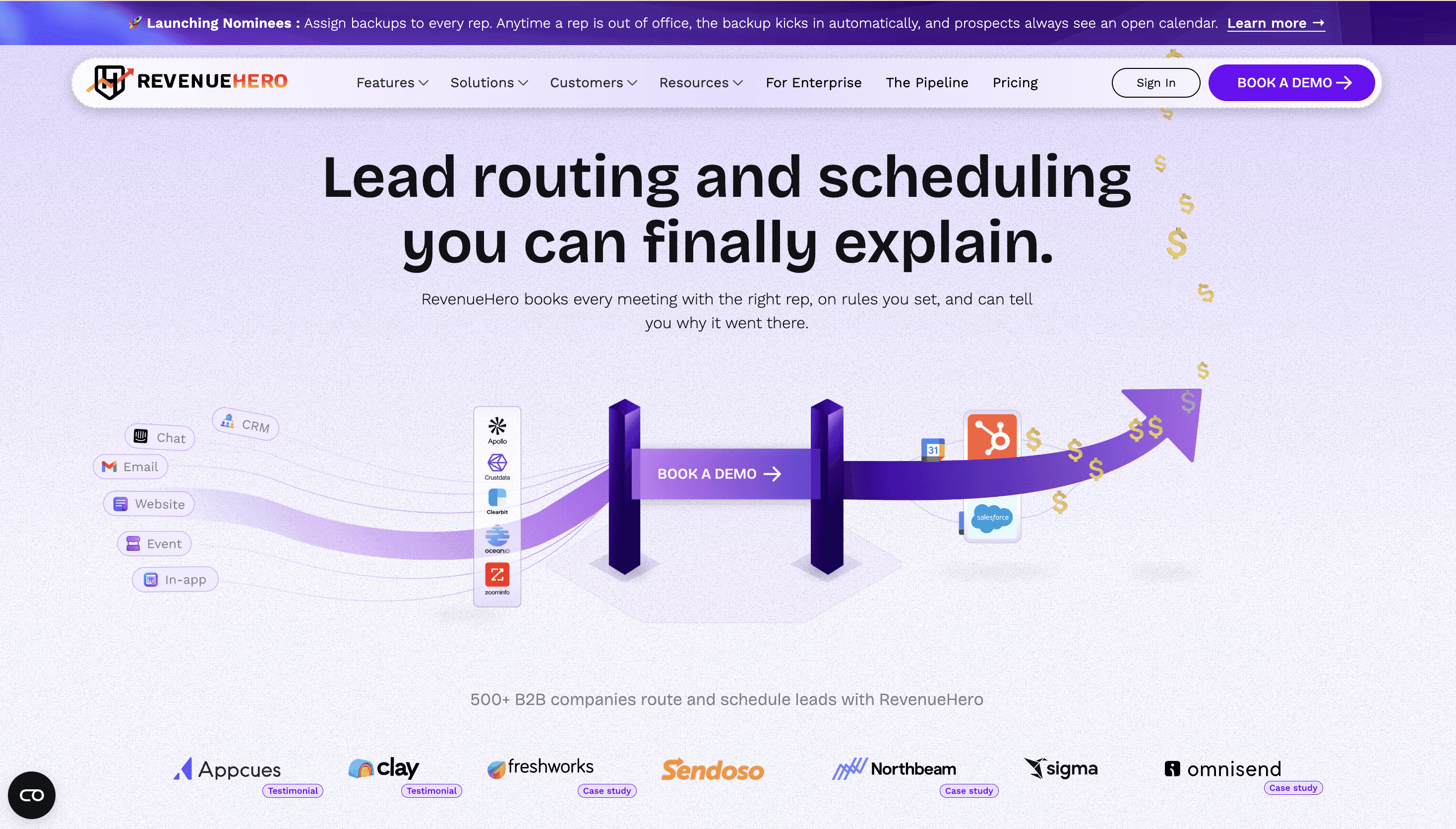
Same core job, instant qualification, routing, and meeting booking straight from a form, at meaningfully lower costs. Reviewers specifically call out the HubSpot integration, the platform's flexibility, support, and pricing.
Pricing
RevenueHero's own pricing page lists a $20/user/month starting price, though third-party trackers report real-world tiers running $15–45/user/month depending on plan, and inbound-routing plans add a separate platform fee of $79–99/month on top (Prospeo).
G2 Rating
An unusually strong 4.8/5 across 161 reviews, with 91% five-star ratings.
Best For
HubSpot-first teams, or anyone priced out by Chili Piper's 2026 floor.
Bottom Line
Choose RevenueHero if you run on HubSpot and want fast setup without enterprise pricing.
Category 4: Sales Dialing
A rep who gets a live prospect on the line in the first few minutes after a signal fires converts at a meaningfully different rate than one working through a call queue an hour later, and neither routing nor scheduling software actually gets a phone ringing. That's a dedicated job, and the tools below split into two very different approaches to it.
g) Kixie
Why It Made The Cut
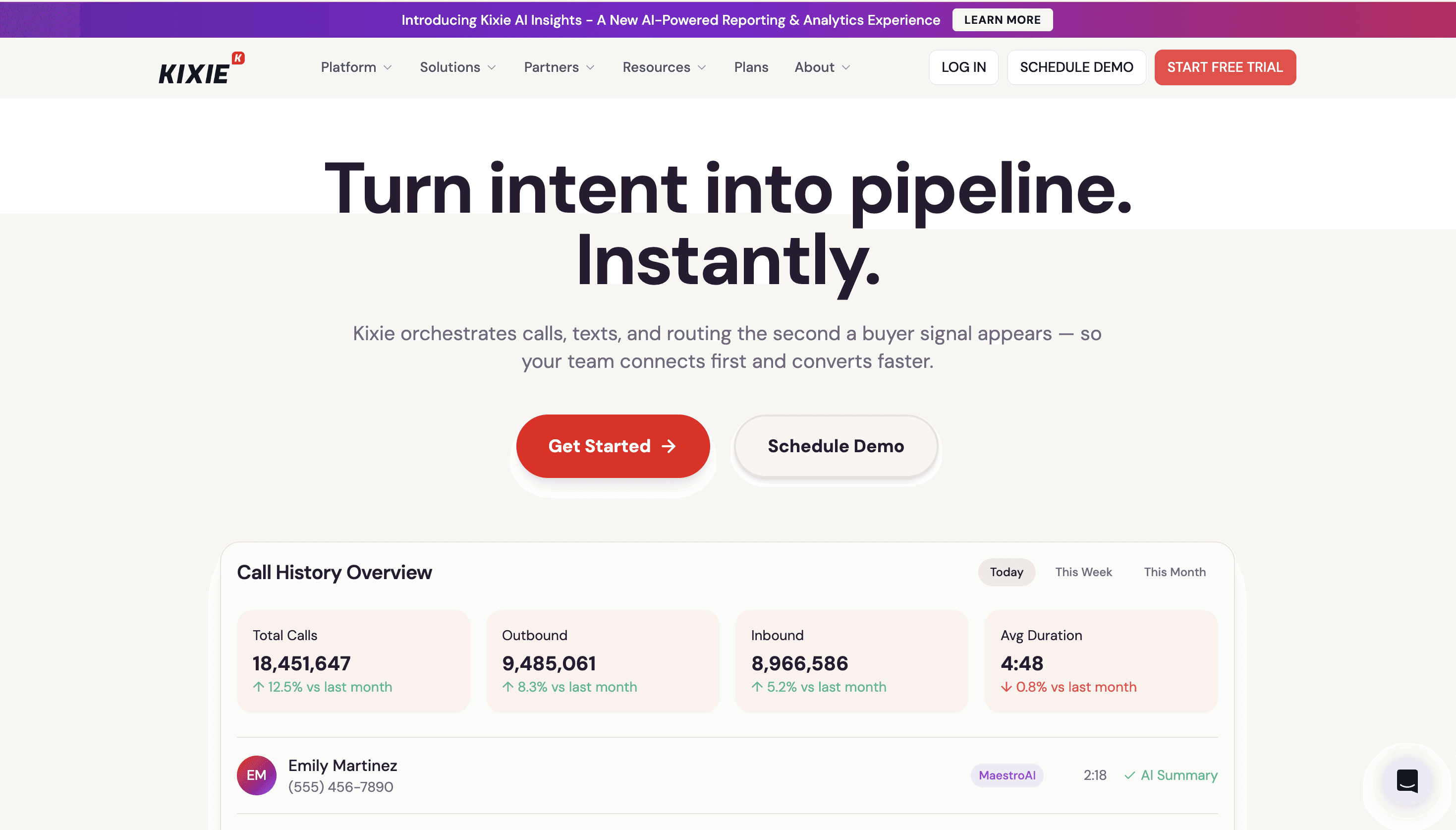
A multi-line PowerCall dialer that rings up to 10 numbers simultaneously and uses AI voice detection to skip voicemails automatically. Deep, well-reviewed CRM integration is the standout, G2 scores it 9.6/10 for CRM integration specifically.
Pricing
Kixie doesn't publish pricing on its own site, quote-based via sales calls. Third-party trackers converge on Professional at roughly $65/user/month and the parallel-dialing Outbound tier around $95/user/month. Budget for add-ons: AI voice detection and local presence numbers stack on top of the base seat price, so the sticker understates real cost.
G2 Rating
4.8/5 across 860+ reviews (G2).
Best For
HubSpot- or Salesforce-native teams under roughly 20 reps.
Bottom Line
Choose Kixie if you want deep CRM integration at a mid-market price. Choose Orum if connect rate at real volume matters more than cost per seat.
h) Orum
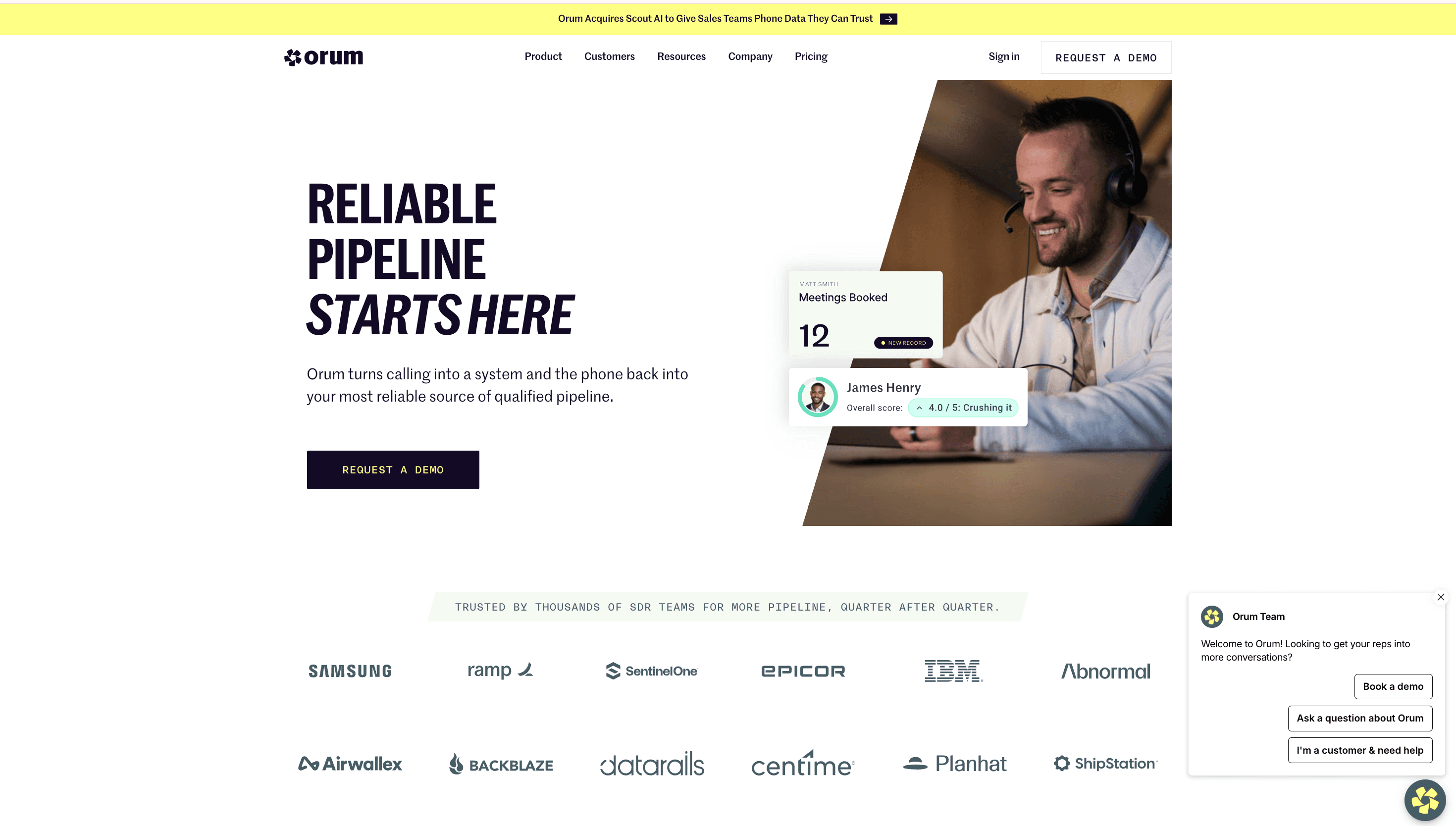
Why It Made The Cut
An AI dialer trained on over a billion real sales calls that identifies which prospects are most likely to answer before it even dials, a meaningfully different approach from Kixie's volume-first model.
Pricing
The Launch plan starts at $250/user/month with a 3-seat minimum and mandatory annual contract, scaling to $400–800/user/month on the custom Ascend tier (Vendr).
G2 Rating
4.6/5 across roughly 780 reviews (G2), used by 1,200+ sales organizations including IBM and Ramp.
Best For
High-volume enterprise outbound where connect rate at scale matters more than cost per seat. Not for anyone who wants to test month to month first.
Bottom Line
Choose Orum if you're running high-volume outbound and can commit to an annual contract.
Category 5: Data Enrichment
Speed without context isn't much of an advantage. A rep who calls or emails fast but has no idea who they're reaching, what the company does, or why this lead matters is still working blind, and a fast wrong pitch loses a deal just as easily as a slow right one. Enrichment tools fill in that context before the rep ever makes contact, pulling firmographic, technographic, and contact-level data so the first touch is actually informed.
i) Clay
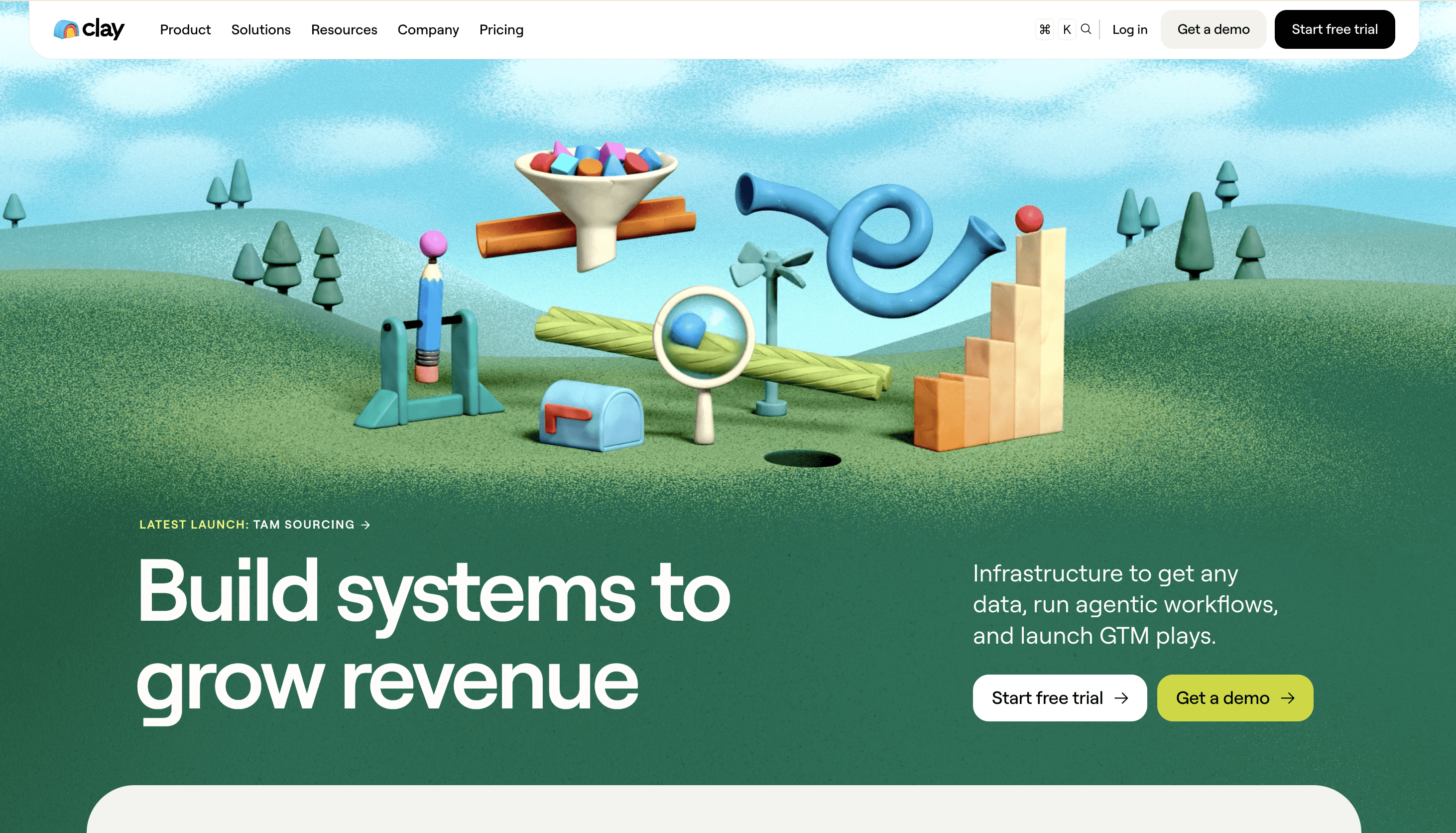
Why It Made The Cut
Waterfall enrichment, cascading a contact through 100+ data providers until one returns a match, all inside a spreadsheet-style workflow builder. Reviewers describe the output as equivalent to having five to ten additional BDRs on staff, and report cutting manual research time by 60–70%.
Pricing
Overhauled in March 2026, Launch starts at $185/month, Growth at $495/month. Real-world cost tends to run higher once credit overages are factored in, and reviewers report 20–40 hours to build a first production workflow.
G2 Rating
4.7/5 across 189+ reviews (G2).
Best For
Technical RevOps teams willing to invest in mastering the workflow builder.
Bottom Line
Choose Clay if you want full control over enrichment and have the technical time to build it. Choose ZoomInfo if you'd rather buy depth than build it.
j) ZoomInfo
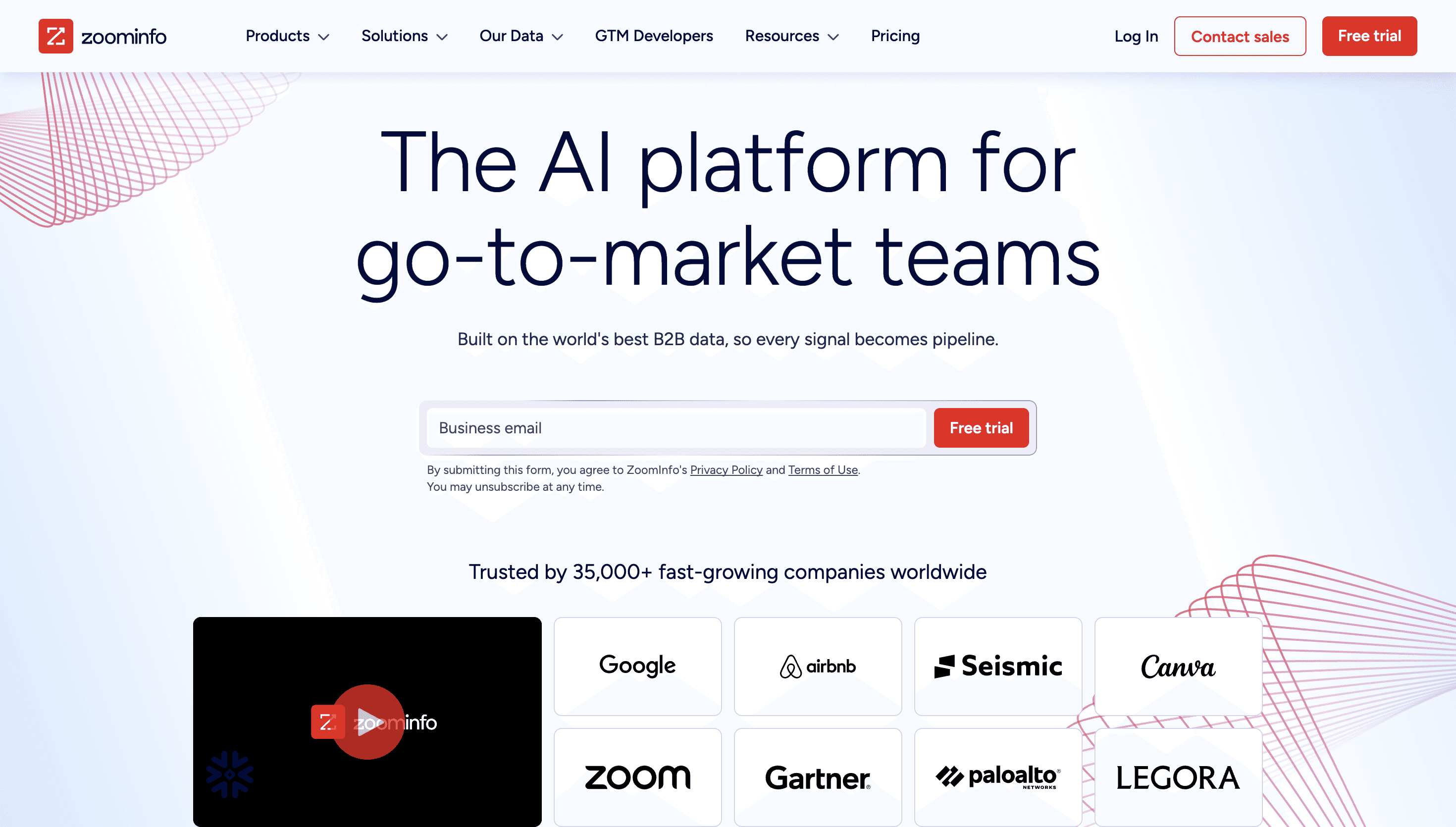
Why It Made The Cut
420M+ contacts and the deepest database in the category, the reason it ranked number one in 142 G2 category reports this spring (BusinessWire).
Pricing
Not public. SalesOS plans run from roughly $14,995/year (Professional) to $39,995+/year (Elite), with most teams landing at $25,000–$60,000/year once seats and add-ons are included (SyncGTM).
G2 Rating
4.5/5 across 12,600+ reviews.
Best For
Enterprise teams that need the biggest possible database and can absorb the cost.
Bottom Line
Choose ZoomInfo if database depth matters more than price. Look at Clay first if your team can build a leaner, cheaper workflow instead.
The Blind Spot No Stack Size Fixes
Most of the tools listed above can't see a visitor who hasn't filled out a form yet, and stacking more of them together doesn't change that. Here's the full picture:
Tool | Job | Sees anonymous website visitors? |
|---|---|---|
LeanData | Routing | No |
LeadAngel | Routing | No |
Chili Piper | Scheduling | No |
RevenueHero | Scheduling | No |
Kixie | Dialing | No |
Orum | Dialing | No |
Clay | Enrichment | No |
ZoomInfo | Enrichment | No |
Qualified | Real-time visitor response | Yes, Salesforce required, six figures |
Breakout | Real-time visitor response | Yes, no Salesforce required |
Here's what that blind spot actually costs, using the math Leadpipe lays out.
A team spending $50,000 a month on traffic, ads, SEO, content, brings in 10,000 visitors. At a typical 2–3% form-conversion rate, about 9,700 of them leave without ever being identified. That works out to roughly $48,500 a month in traffic spend going to visitors nobody on the team ever sees.
The same math applies to deal size, and the number gets bigger. Leadpipe's own benchmark uses a $20K average deal and a 3% close rate on identified leads, and lands at roughly $600,000 in invisible pipeline for every 1,000 anonymous visitors a company can't see.
Those figures come from one vendor's own model, worth treating as illustrative rather than universal. But the pattern holds regardless of whose math you use. More traffic means a bigger dropoff number, and it's a cost none of the eight tools above were ever built to touch.
Breakout closes that specific gap.
It identifies the visitor at the company and person level while they're still on the page, no form required, then holds a real conversation instead of logging a dashboard alert for someone to check later. That conversation adapts to what the visitor is actually doing on the site, surfaces the right case study or pricing view, and either books a meeting directly or routes the conversation to the right rep, all before the visitor has a reason to close the tab.
Qualified gets there for a six-figure contract and a Salesforce migration most teams don't have the appetite for. Breakout gets there for $24,000 a year, no Salesforce requirement, and a setup measured in hours instead of months. Same answer, a completely different price and a completely different lift.
Ready to see it in action?
Book a demo and discover how Breakout can turn more of your website visitors into a qualified pipeline.
FAQ
What's the actual difference between lead routing and speed to lead?
Routing is one piece of speed to lead, deciding which rep gets a lead once it exists. Speed to lead is the broader goal: shrinking the total time between a prospect's first sign of interest and a rep's first real response. Routing, scheduling, dialing, and enrichment all serve that goal in different ways.
Do I need tools from every category on this list?
No. Most teams start with whichever bottleneck is costing them the most leads, often routing or scheduling, then add dialing or enrichment as volume grows. Running all five at once usually means five separate logins, five separate bills, and CRM fields that fall out of sync when one tool updates a record the others don't see, more to manage than most teams need on day one.
How much does a "complete" speed-to-lead stack actually cost?
A mid-market team running one solid tool per category, routing, scheduling, dialing, and enrichment, typically lands around $100,000/year once seats and add-ons are included. None of that spend touches visitors who never fill out a form, which is a separate category entirely, and arguably the most important one.
Does Breakout replace the routing, scheduling, or dialing tools on this list?
No, it solves a different, earlier problem: engaging visitors before they become a lead in the first place. Most Breakout customers run it alongside a routing or scheduling tool from this list, feeding qualified conversations into whatever system already handles the rest of their pipeline.
Is there a single tool on this list that covers more than one category?
Partially. Chili Piper's product suite spans both routing and scheduling, which is part of why it costs more than either category alone. Breakout covers visitor capture and basic lead routing internally, since it hands a qualified conversation straight to the right rep without a separate routing tool in between.
Which of these tools is fastest to actually get running?
Breakout and RevenueHero both measure setup in hours rather than weeks, Breakout at under three hours, RevenueHero with a lighter HubSpot-native install. LeanData, Chili Piper, and ZoomInfo sit at the other end, often two to four weeks of onboarding and configuration before they're fully live.
What should a startup with no dedicated RevOps team start with?
Start with whichever single bottleneck is costing the most leads, usually scheduling or visitor capture for a small team, rather than trying to stand up all five categories at once. RevenueHero, LeadAngel, and Breakout all have lighter onboarding and lower entry pricing than their enterprise-tier competitors, which matters more than feature depth when there's no dedicated admin to run the stack.
How is speed-to-lead software different from GTM engineering tools like Clay or Common Room?
Speed-to-lead tools act on a lead the moment it exists, routing it, scheduling it, dialing it. GTM engineering tools like Clay sit a layer below that, building and maintaining the data infrastructure, enrichment, and workflow automation those speed-to-lead tools run on top of. Clay shows up on both lists because enrichment is genuinely one of the five speed-to-lead jobs, but its broader role is closer to infrastructure than execution.