All Blogs
A short, useful read on default reviews & better options.

Evan Marshall
Senior Growth AI Strategist
Published On

You fill out a Default demo form, sit through the pitch, and the routing automation looks solid. Then you go live, and the gaps start surfacing. Default reviews across G2 and Capterra tell a consistent story: the tool works well for straightforward inbound handoffs, but once your team needs deeper CRM sync, flexible reporting, or support that responds when billing breaks, the cracks show. Most buyers don't realize the limitations until they're already onboarded, which is why we built this breakdown. It covers what Default actually delivers versus what the demo suggests, where the pricing jumps happen, and which alternatives handle the full revenue workflow without forcing you into manual workarounds.
TLDR:
Default automates form-to-meeting workflows but stops at scheduling, leaving buyer conversations to reps.
Users flag weak CRM integrations and limited reporting, forcing manual data reconciliation.
Chili Piper offers stronger routing but costs more; Calendly handles scheduling only at lower price.
Breakout is a full AI SDR that deploys in days with no complex setup, triggering multi-channel outreach from any buyer signal including website visits, form fills, event attendance, and intent data.
What is Default and How Does It Work?
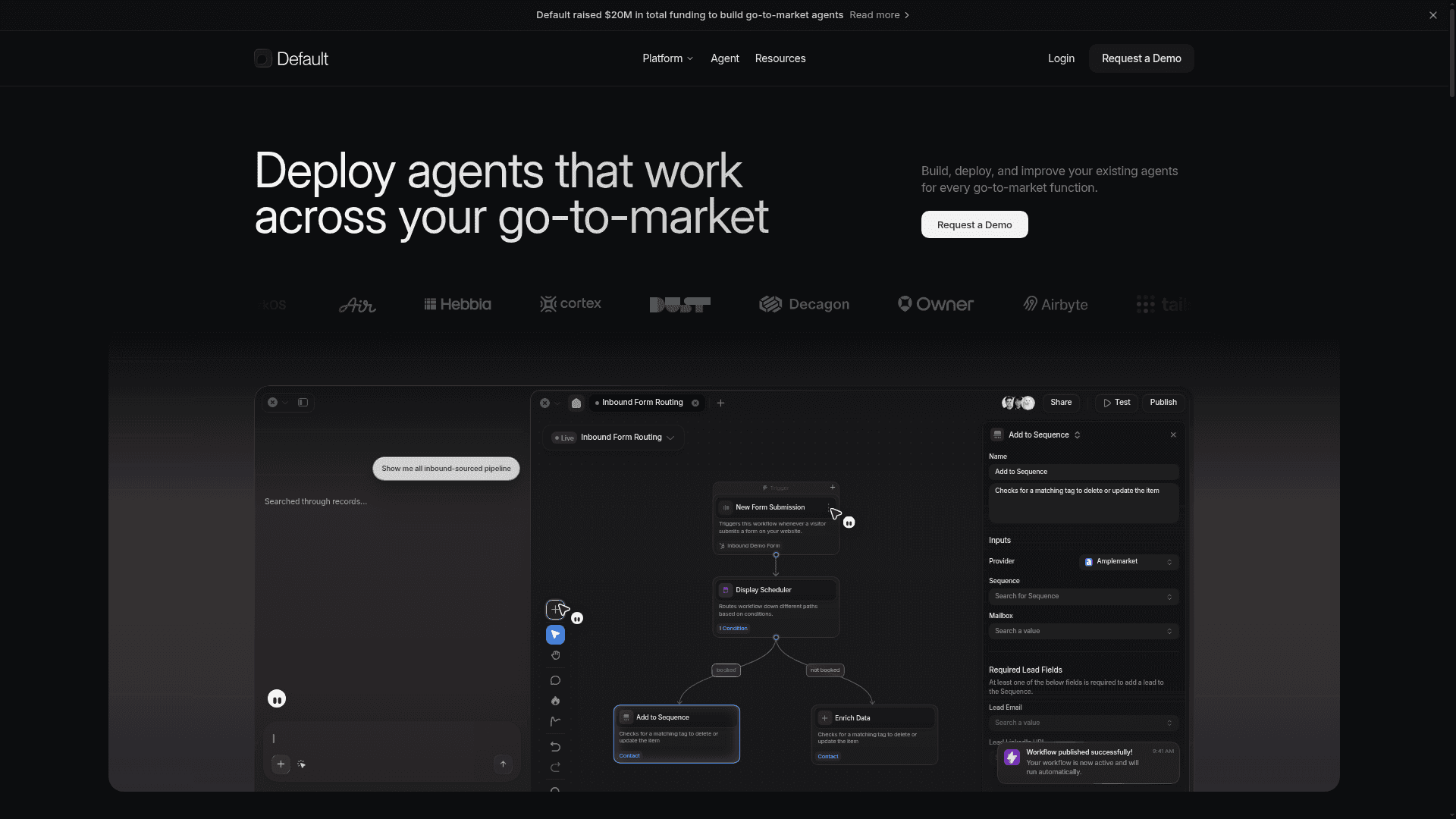
Default is an all-in-one go-to-market automation tool built for B2B revenue teams that need to move faster from form submission to sales conversation. The software combines lead routing, meeting scheduling, data enrichment, workflow automation, and form management into a single inbound stack.
The appeal for growth-stage companies is consolidation. Instead of stitching together separate tools for routing, enrichment, and scheduling, Default handles the full inbound flow. A prospect fills out a form, gets enriched with firmographic data, routes to the right rep based on territory or account ownership rules, and lands on a calendar in one connected sequence.
Its primary audience is revenue operations teams, growth marketers, and SDR leaders at mid-market companies who have outgrown basic CRM assignment rules. Users on Default's G2 reviews page frequently cite routing flexibility and form-to-meeting speed as standout strengths.
That said, Default's positioning focuses on process automation. It excels at workflow orchestration for teams that already know what they want to automate, but it relies on human reps to handle actual buyer conversations once a lead is routed. If you're comparing lead routing software options, that distinction matters, particularly if your growth strategy calls for scaling conversations with inbound AI SDRs, beyond only scheduling them.
Why Consider Default Alternatives?
Default tends to work well for teams that need a straightforward way to manage subscriptions and recurring billing. But as your go-to-market motion grows more complex, a few recurring limitations show up in user reviews that are worth weighing before you commit.
Users on G2 and Capterra frequently flag the lack of deep CRM integrations, which means your billing data and contact records often live in separate systems. In practice, that gap forces manual reconciliation, slows down revenue reporting, and creates friction for sales teams trying to act on real-time account health signals.
Others point to limited reporting flexibility. If your finance or marketing team needs custom attribution or cohort-level churn analysis, you'll likely find yourself exporting data into a separate BI tool to get the view you actually need.
What Buyers Typically Flag Before Switching
The onboarding experience gets mixed marks, with some users noting that setup requires more technical involvement than the sales process suggested, adding time before you see any value.
Pricing tier jumps can feel abrupt, especially for teams scaling quickly who find themselves pushed into a higher plan for one or two features they need.
Customer support response times draw consistent criticism at the mid-market level, which matters when choosing scheduling tools for your revenue team.
These patterns show up repeatedly across independent review sources, and they point to a common theme: Default is built for a specific use case, and buyers who fall outside that scope often end up working around the product instead of with it.
Best Default Alternatives in June 2026
Default's core features revolve around automating inbound lead routing and scheduling workflows. If those workflows don't match how your team actually operates, here are the tools worth considering.
Breakout
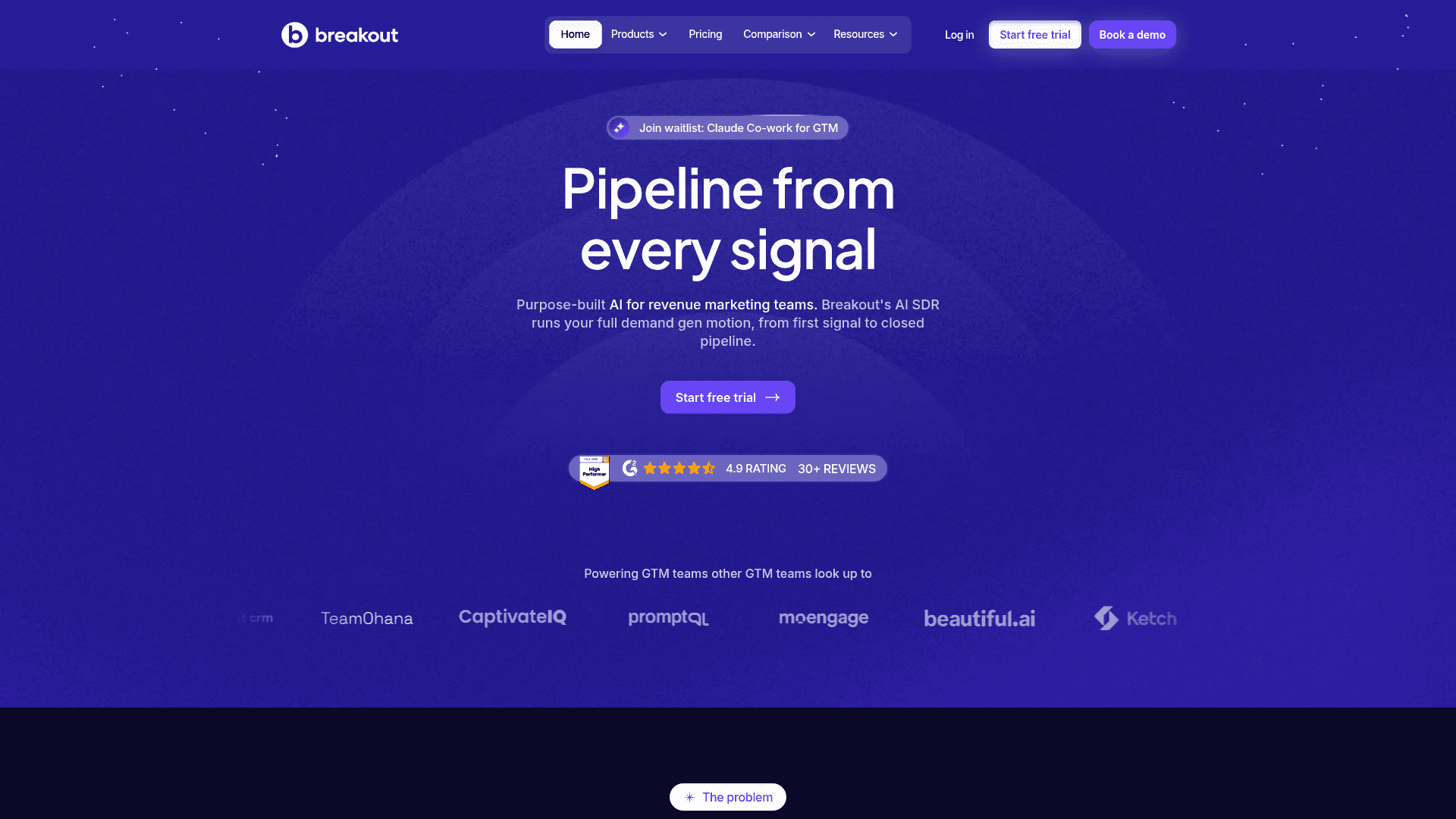
The AI SDR market consolidated sharply in 2026. Salesforce acquired Qualified in April 2026. HubSpot acquired Warmly. Salesloft sunset Drift, pointing customers toward a video-first tool that lacks visitor deanonymization, automated multi-channel follow-up, and real-time SDR alerts. For revenue teams that need an independent AI SDR that works across any CRM stack, the field has narrowed. Breakout is built for fast-growing B2B teams that need to go live in days without months-long implementation cycles, mandatory onboarding fees, or RevOps resources dedicated to maintaining routing trees. Where Default stops at scheduling and handoffs, Breakout runs a full AI SDR motion triggered by any buyer handraise signal: a website visit, a form fill, a content download, an event attendance, or third-party intent data. The AI identifies the prospect, runs personalized outreach across email, LinkedIn, and chat, and books meetings automatically. For Series B+ teams comparing AI SDR tools, Breakout gives you a proactive, full-cycle motion with none of the configuration overhead that made legacy tools a liability.
Chili Piper
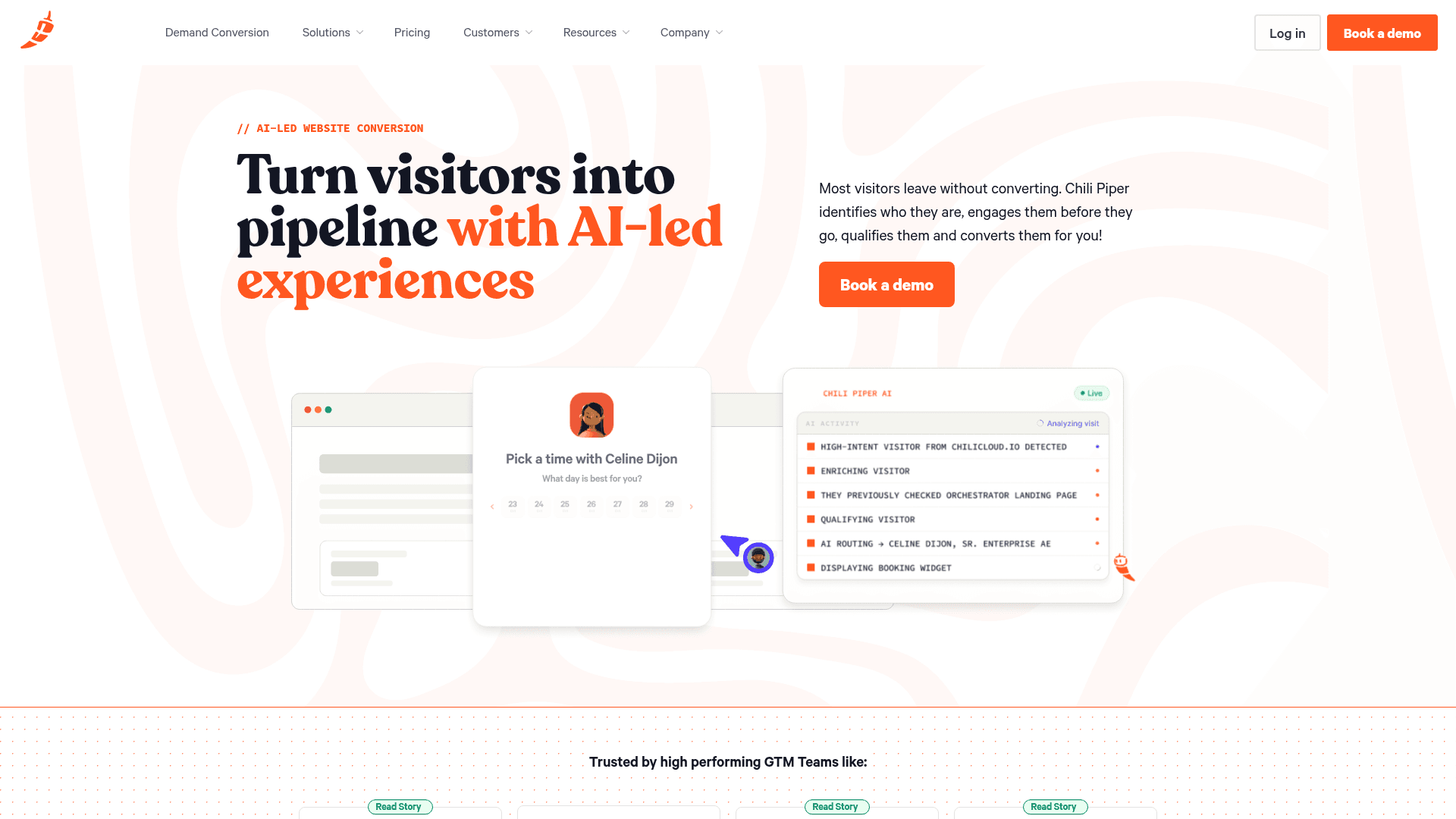
Chili Piper is the most direct comparison to Default, with stronger enterprise routing rules and deeper Salesforce sync. The trade-off is cost: Chili Piper pricing scales quickly for larger teams, and some users report that setup requires substantial RevOps involvement to get routing logic right.
Calendly
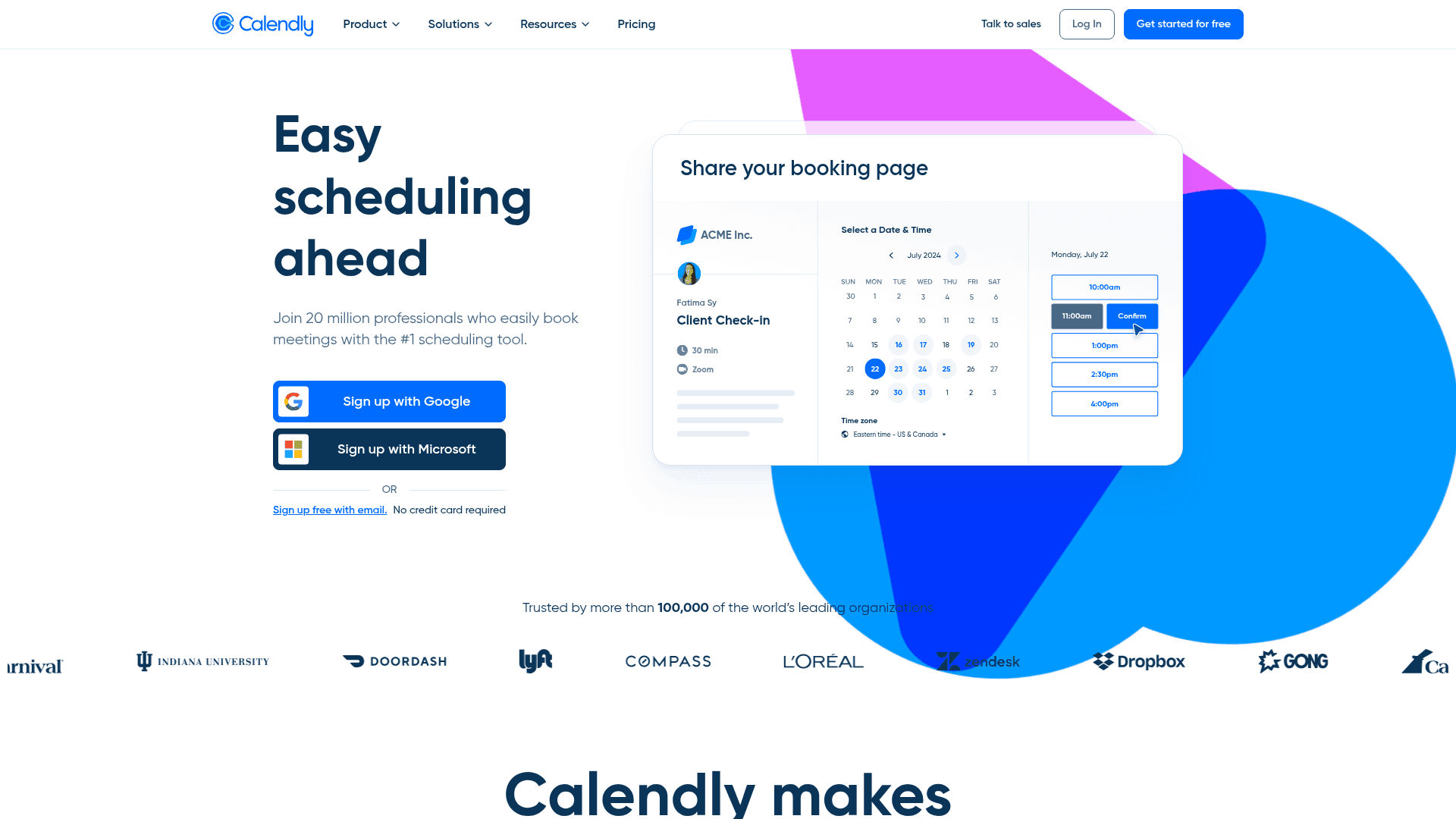
Calendly handles scheduling well at low cost, but it lacks the lead qualification and CRM routing logic that Default offers. It works if your team only needs booking links, but falls short for teams that need automated assignment and handoff tracking.
RevenueHero
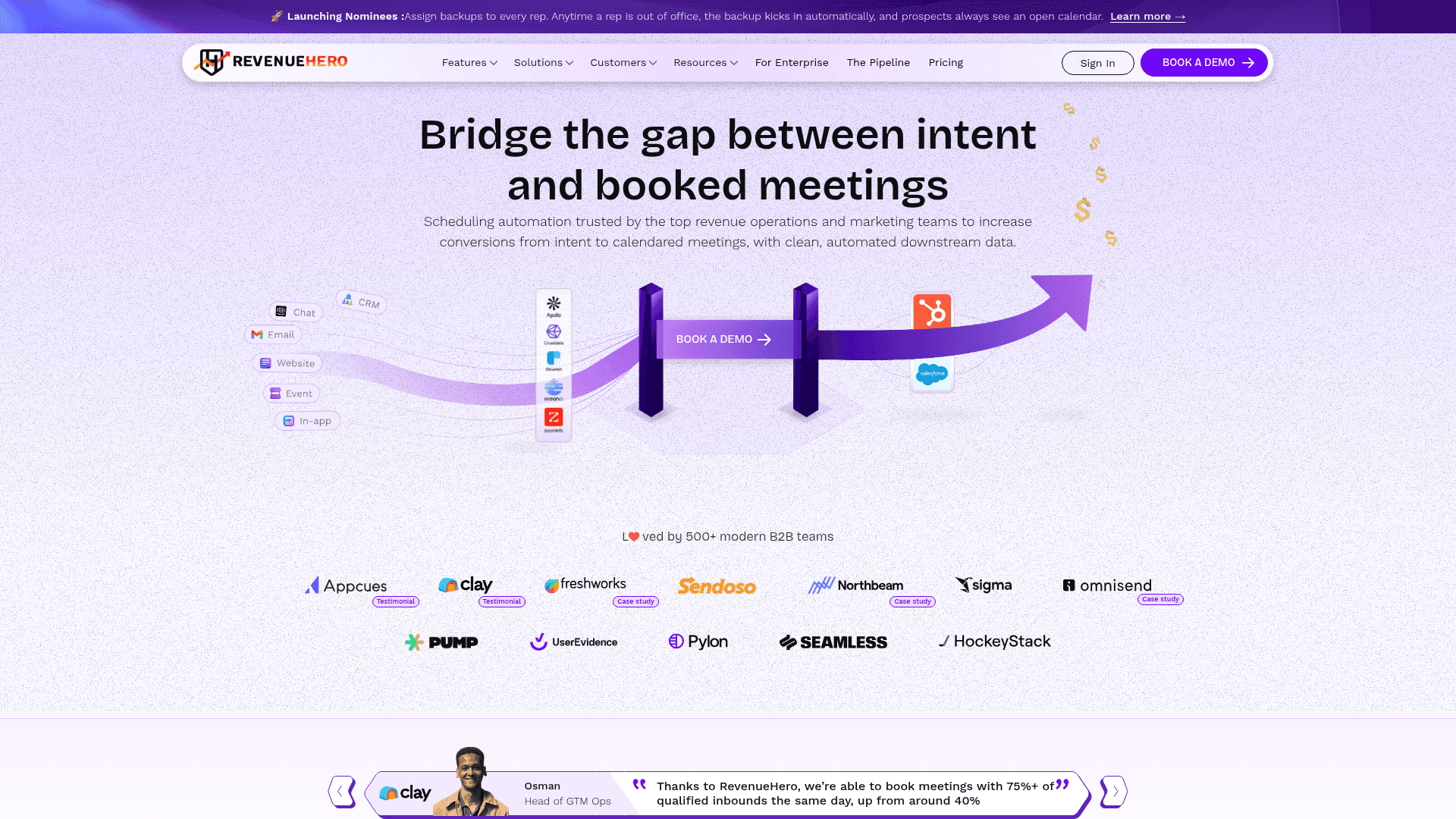
RevenueHero focuses on inbound scheduling and routing, with instant form-to-meeting booking and round-robin assignment that competes directly with Default on the handoff layer. It connects to Salesforce and HubSpot and works well if your priority is shortening the time between a form fill and a booked meeting. The trade-off is scope: like Default, it stops at routing and scheduling, so qualification, enrichment, and multi-channel follow-up still depend on separate tools, which means your reps carry the work of researching accounts and chasing follow-ups across disconnected systems.
LeanData
LeanData is built for complex routing at enterprise scale, with deep Salesforce-native logic for territory assignment, account matching, and round-robin distribution across large sales orgs. The trade-off is cost and setup: pricing starts around $30K per year, and the routing flowchart builder takes serious RevOps involvement to configure correctly, so it's the right call if your routing rules are genuinely complex but overkill if you mostly need form-to-meeting handoffs. It also stops at routing, meaning qualification, enrichment, and outreach still depend on separate tools, which is why many teams weigh LeanData alternatives before committing to that contract.
Feature Comparison: Default vs Top Alternatives
Side-by-side comparisons tend to make trade-offs clearer than feature lists alone. Here's how Default stacks up against the alternatives covered above across the capabilities that matter most to revenue teams.
Feature | Default | Breakout | Chili Piper | LeanData | Calendly | RevenueHero |
|---|---|---|---|---|---|---|
Website Visitor Identification | Company-level only | Person and company-level | No | No | No | No |
AI Conversational Qualification | No | Yes | No | No | No | No |
Form-Based Lead Capture | Yes | Optional | Yes | Yes | Yes | Yes |
Lead Routing Automation | Yes | Yes | Yes | Yes | Basic | Yes |
Meeting Scheduling | Yes | Yes | Yes | Yes | Yes | Yes |
Data Enrichment | Yes (waterfall) | Yes (real-time) | No | No | No | No |
Multi-Channel Outreach | Limited | Yes (email, LinkedIn, chat) | No | No | No | No |
Workflow Automation | Yes | Yes | Limited | Yes | No | Limited |
Salesforce Integration | Native | Native | Native | Native | Yes | Yes |
HubSpot Integration | Limited | Native | Yes | Yes | Yes | Native |
Starting Price | $750/month | $500/month | ~$550/month (5 users) | $30K+/year | ~$80/month (5 users) | Custom |
Free Trial | Yes | 30 days | Yes | Contact sales | 14 days | Contact sales |
A few patterns are worth calling out. Calendly wins on price but covers only scheduling, so if routing or qualification are part of your requirements, it falls short quickly. LeanData is built for complex routing at enterprise scale, and the pricing reflects that scope, which is why many teams consider LeanData alternatives. Breakout is the only tool in this group that combines visitor identification, AI qualification, and multi-channel outreach in a single connected workflow, which matters if your team is tired of stitching together point solutions to get the same result.
Why Breakout is the Best Default Alternative
Breakout is built for fast-growing revenue teams that need a full AI SDR they can deploy in days, without a dedicated implementation team, complex playbook configuration, or ongoing maintenance overhead. Where Default focuses on scheduling and basic routing, Breakout runs a complete buyer engagement cycle triggered by any handraise signal: a website visit, a form fill, a content download, or intent data. The AI identifies the prospect, runs personalized multi-channel outreach, and hands off a qualified meeting to your rep, which is why choosing the right AI SDR tool has become a more consequential decision as the field consolidates around CRM-dependent ecosystems.
The difference from tools absorbed into larger ecosystems is independence and speed. Qualified is now a Salesforce product, locked into a single CRM stack. Warmly is now a HubSpot product. Drift was sunset by Salesloft in early 2026. Teams running HubSpot, Marketo, or a mixed CRM stack can no longer count on those tools working outside their parent ecosystem without added friction. Breakout is CRM-agnostic, connects natively to Salesforce, HubSpot, and Marketo, and goes live without onboarding fees or months of configuration, so your reps are booking meetings from real buyer signals before your RevOps team finishes its first sprint.
Here is what sets Breakout apart for Series B and beyond:
Live in days with no onboarding fees and no dedicated implementation team: pixel installation, CRM routing, and multi-channel follow-up are all running within a week, with white-glove support throughout.
Outreach fires from any buyer signal, including website visits, form fills, content downloads, event attendance, and intent data, with no manual triggering required from your team.
AI-powered prospect research surfaces buying signals and account context before the first call, so reps walk in prepared without relying on whatever is in the CRM.
Routing logic that accounts for deal stage, account tier, and rep capacity beyond just availability, so the right conversations land with the right people.
If your team has outgrown tools that solve only one part of the funnel, Breakout is designed to handle the full revenue motion in one place.
Final Thoughts on Picking a Default Alternative
The tools in this comparison solve different parts of the revenue workflow, and your best option depends on whether you need simple scheduling, complex enterprise routing, or a connected system that handles qualification and outreach alongside booking meetings. Default does scheduling and basic routing well, but if your team is spending more time chasing context and manually following up than actually selling, you've outgrown what a pure scheduling tool can fix. Most teams figure out whether Breakout's AI qualification and multi-channel workflows fit their process within the first two weeks of the trial, usually by watching whether meeting quality improves or just meeting volume. The gap between those two outcomes is the difference between a tool that scales your pipeline and one that just scales your calendar.
FAQ
Why do teams typically move away from Default?
Most teams outgrow Default when they need deeper CRM integrations for real-time revenue reporting, more flexible analytics beyond basic metrics, or faster support response times for billing-critical issues, three patterns that show up repeatedly in user reviews when companies hit growth inflection points.
What features should you focus on when comparing inbound automation tools?
Focus on CRM sync depth (whether billing and contact data stay unified or fragment across systems), routing logic flexibility (whether the tool handles complex territory and account ownership rules or just round-robin basics), and whether the tool stops at scheduling or continues through qualification and follow-up automation.
When should you consider switching from a scheduling-focused tool to a full pipeline system?
If your reps spend more than five hours per week manually researching accounts before calls, piecing together data across disconnected tools, or writing follow-up sequences that should be automated, you've crossed the threshold where a connected pipeline system delivers measurable time savings over point solutions.
How does an AI SDR differ from standard lead routing software?
Standard routing tools assign leads to reps based on territory or availability rules but rely on humans to handle every conversation. AI SDRs run qualification conversations, surface buying signals, personalize multi-channel outreach, and only escalate to human reps when a prospect is ready for a sales discussion, scaling conversations instead of only scheduling them.
What integration depth matters most when comparing Default alternatives?
Native CRM write-back capability determines whether your revenue data stays unified or requires manual reconciliation. Tools that only push meeting bookings force your team to export data for attribution analysis, while platforms with bidirectional sync keep sales, marketing, and finance working from the same real-time account view.