All Blogs
Guide for B2B revenue teams on fixing lead routing: automate assignment rules, cut response times, and track speed-to-lead and accuracy KPIs.

Evan Marshall
Senior Growth AI Strategist
Published On

A lead comes in. Forty-seven hours later, someone finally follows up. That's the average for B2B companies, and it's almost never a people problem. It's a lead routing problem. If your lead distribution software is still leaning on manual steps or rules built around last quarter's team structure, here's how to fix it.
TLDR:
Contacting a lead within 5 minutes makes you 100x more likely to connect, yet most B2B companies take 47 hours to follow up.
Effective lead routing requires speed, accuracy, and accountability, built on real-time enrichment, fallback rules, and audit trails.
Automate routing by auditing your lead flow, defining fit-based rules, and integrating your CRM with lead distribution software.
Target 95%+ routing accuracy and under-5-minute speed to lead; anything below these benchmarks signals logic that needs rebuilding.
Routing to availability instead of fit, letting rules go stale, and skipping rep feedback loops are the most common causes of pipeline loss.
The Problem: Why Lead Routing Is Harder Than It Should Be
Lead routing sounds straightforward: a lead comes in, you send it to the right rep. In practice, most revenue teams are running a fragile mix of manual assignments, Salesforce workflows, and spreadsheet logic that breaks every time someone changes territories, adds a new product line, or backfills a role.
The stakes are real. Research shows that contacting a lead within five minutes of form submission makes you 100 times more likely to connect compared to waiting 30 minutes. Yet most B2B companies take 47 hours on average to follow up. That gap rarely comes from laziness; it comes from marketing lead routing logic that requires human intervention at every step.
The core problems revenue teams run into fall into a few familiar categories:
Rules built in Salesforce or HubSpot workflows are often owned by one admin, and when that person leaves, no one fully understands the logic or knows how to safely update it.
Territory and account ownership data lives across multiple systems that rarely stay in sync, so leads get assigned to the wrong rep or sit unowned entirely. Tools like B2B website visitor identification can help surface account data before a lead is ever submitted.
There is no visibility into where a lead is in the assignment process, which makes it nearly impossible to diagnose why response times are slow or why certain leads go cold.
Routing decisions often ignore real-time rep availability, which means high-intent leads get queued behind reps who are on vacation or over capacity.
What Good Looks Like: Key Principles of Lead Routing
Speed, accuracy, and accountability are the three properties that separate a well-designed lead routing system from one that quietly costs you pipeline.
Speed matters because response time directly affects conversion rates. Lead response time research shows that contacting a lead within five minutes makes you 100x more likely to connect compared to waiting even thirty minutes.
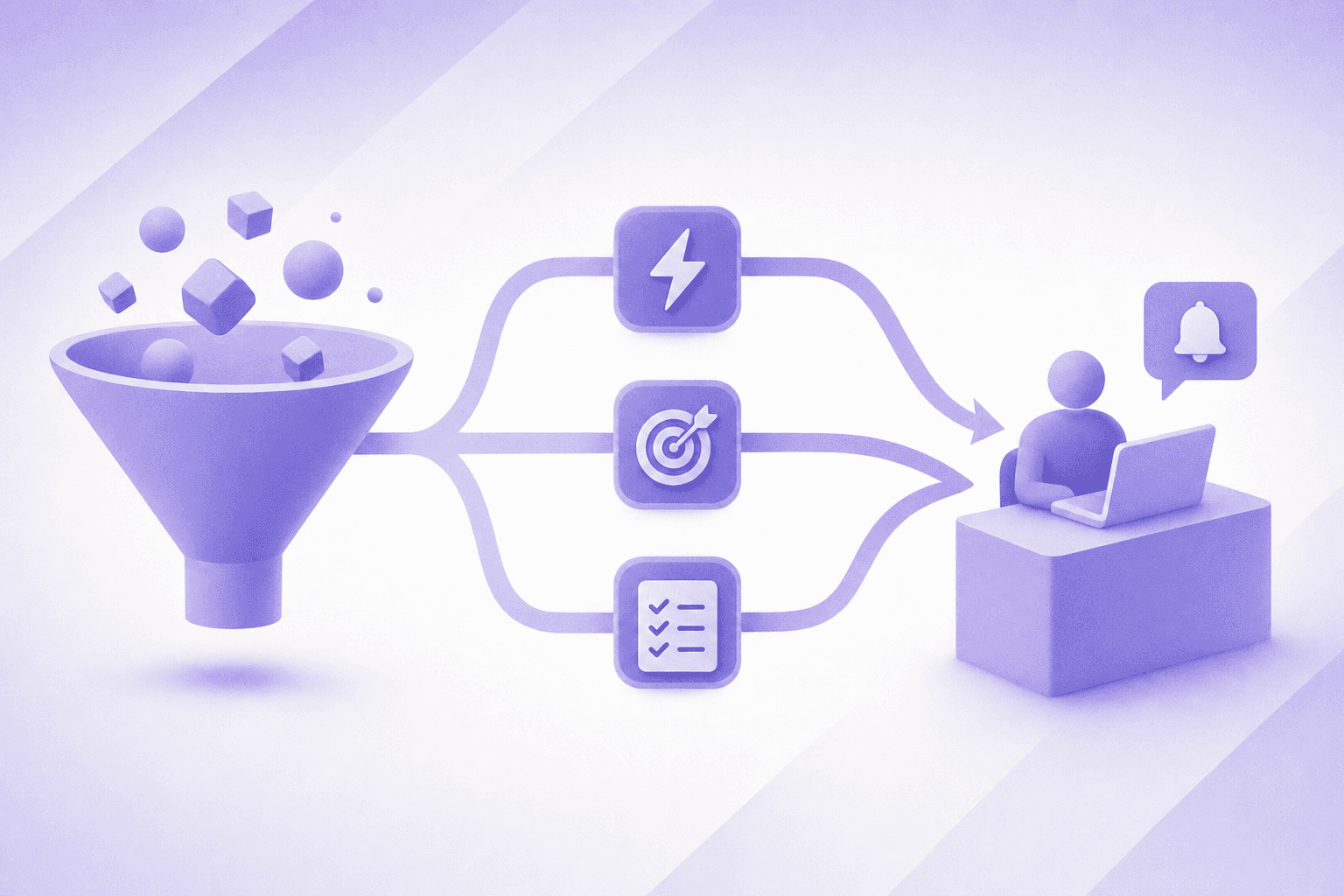
Accuracy means the right lead reaches the right rep, every time. That requires routing logic built around the variables that actually predict fit: territory, industry, company size, product interest, and lead scoring tools that surface buying intent signals.
Accountability closes the loop. If a lead falls through a gap in your rules, your system should surface that failure and not let it disappear silently.
What These Principles Require in Practice
Good lead routing logic needs four supporting conditions to hold up at scale:
Real-time data enrichment so routing decisions are based on current firmographic and warm outbound intent signals, not stale form fills.
Fallback rules that handle exceptions without creating orphaned leads when a rep is on leave or a territory is uncovered.
Clear ownership boundaries so every lead has exactly one assigned owner at any moment.
Audit trails that let revenue ops trace any lead's path and diagnose routing failures without guesswork.
Step-by-Step: How to Automate Lead Routing
Here is a clear, step-by-step process for setting up automated lead routing that holds up at scale.
Audit your current lead flow to expose where routing failures are costing pipeline.
Define fit-based routing rules around the attributes that actually predict assignment accuracy.
Connect your tech stack so enrichment, scoring, and assignment run in sequence without manual steps.
Test with historical data before going live to catch edge cases and build fallback logic.
Monitor and iterate by tracking assignment accuracy, speed-to-contact, and conversion rates over time.
Audit Your Current Lead Flow
Map every source where leads enter your funnel: inbound forms, paid campaigns, content downloads, and partner referrals. Document how each lead type is handled today. Note where handoffs break down and how long each stage takes. This baseline exposes where routing failures are actually costing pipeline, and it gives you the evidence you need to decide which rules to fix first.
Define Your Routing Rules
Decide which attributes matter for assignment: geography, company size, industry, product interest, lead score, or account ownership. The cleaner your logic, the more reliably your lead routing system will behave when volume spikes. Routing rules built around a single catch-all path treat a large enterprise lead the same as an early-stage newsletter signup, which wastes both the lead and the rep's time.
Connect Your Tech Stack
Once rules are defined, integrate your lead sources, CRM, and lead routing tools so data flows without manual intervention. A form submission should trigger enrichment, scoring, and assignment in sequence, with the rep receiving a complete record instead of a raw contact. The mechanical handoff matters: the form sets a lead status in your marketing automation tool, scoring fires once enrichment completes, and the record lands in your CRM with source data and intent signals attached before the rep gets a notification.
Test Before You Go Live
Run routing scenarios using historical lead data before flipping the switch on live traffic. Identify edge cases where leads fall outside your defined rules and build fallback logic so nothing slips through unassigned. Reps on leave, uncovered territories, and unrecognized company sizes are the most common gaps that only surface during testing.
Monitor and Iterate
Track assignment accuracy, speed-to-contact, and conversion rates by routing segment. Use that data to refine rules over time as your team structure and go-to-market motion evolve. Routing logic built around last quarter's territory map breaks quietly, and only a recurring audit cadence will keep it from silently misdirecting leads as your team grows.
Tools and Tech Stack Considerations
Your lead routing system is only as strong as the tools powering it. Most B2B revenue teams piece together a stack that includes a CRM, a marketing automation tool, and some form of lead routing or distribution layer on top. How well these tools communicate determines whether leads get to the right rep in seconds or sit in a queue for hours.
At the core, you need a CRM that supports assignment rules and ownership tracking, a marketing automation tool that can pass enriched data through to that CRM, and a dedicated lead routing layer that reads that data and acts on it. Some teams try to handle routing logic inside their CRM natively, which works at low volume but tends to break down as territory complexity and rep count grow.
Purpose-built lead distribution software gives you more control: round-robin logic, territory mapping, ownership fallbacks when reps are out, and routing rules that update without needing a developer. If you're comparing options, LeanData pricing is one factor to weigh against your team's complexity. The trade-off is another tool to manage and another integration to maintain, so it makes sense for teams where routing complexity has outgrown what their CRM can handle out of the box.
Measuring Success: KPIs and Benchmarks
Once your lead routing system is live, the numbers will tell you whether it's working. These are the KPIs revenue teams should track from day one.

The Metrics That Matter Most
Speed to lead measures how quickly a rep makes first contact after a lead submits. Alerting sales when prospects are online directly feeds this metric. Research shows that contacting a lead within five minutes makes you 100 times more likely to connect than waiting 30 minutes.
Routing accuracy tracks the percentage of leads assigned to the right rep on the first pass, without manual correction. Anything below 95% signals your routing logic needs revisiting.
Lead acceptance rate shows how often reps accept versus reject or ignore routed leads, which surfaces misalignment between routing criteria and rep capacity or territory coverage.
Conversion rate by routing rule lets you compare how leads routed by different criteria, such as industry, company size, or engagement score, perform downstream in the pipeline.
Benchmarks to Aim For
KPI | Weak | Acceptable | Strong |
|---|---|---|---|
Speed to lead | 30+ minutes | 5 to 30 minutes | Under 5 minutes |
Routing accuracy | Below 90% | 90 to 95% | 95%+ |
Lead acceptance rate | Below 70% | 70 to 85% | 85%+ |
Track these monthly at minimum, and tie routing performance directly to pipeline contribution so leadership can see the ROI of your lead distribution software investment. Lead response time benchmarks show only 23% of companies respond within five minutes, a gap your routing metrics should help close. If your current tool isn't delivering, review LeanData alternatives built for modern revenue teams.
Common Mistakes That Kill Lead Routing Results
Even a well-designed lead routing system can underperform if a few foundational mistakes go unaddressed. These aren't edge cases. They're patterns that show up repeatedly across B2B revenue teams.
Routing to availability instead of fit
Sending leads to whoever has capacity sounds fair, but it ignores rep specialization, territory alignment, and account history. A large enterprise lead routed to an SMB rep because they had an open slot wastes the lead and frustrates the prospect.
Letting routing logic go stale
Routing rules built around last quarter's team structure break quietly. When reps leave, territories shift, or new products launch, outdated logic misdirects leads without any obvious error. Build a recurring audit into your process.
Treating all leads the same
Routing every inbound lead through identical logic ignores intent signals, company size, and deal potential. High-intent leads from target accounts deserve different handling than early-stage newsletter signups, and an inbound-led outbound approach can help convert buyers who bounce before ever filling out a form.
Skipping the feedback loop
If sales never reports back on lead quality, routing logic never improves. Pairing closed-loop feedback with inbound AI SDR software can automate that loop and surface signal without waiting on reps.
Final Thoughts on Lead Routing and Lead Distribution Software
The gap between a lead submitting a form and a rep making contact is where deals are quietly won or lost. Building clean routing rules, connecting your stack properly, and tracking speed to lead gives your team a real edge over competitors still running on spreadsheet logic. Try Breakout to see how purpose-built lead distribution software handles the routing complexity your CRM was never designed for.
FAQ
What's the fastest way to fix slow lead response times without rebuilding your entire CRM workflow?
The quickest fix is adding a dedicated lead routing layer between your form submissions and your CRM assignment logic, one that triggers enrichment, scoring, and rep assignment in sequence without manual steps. Most teams that cut response times to under five minutes do so by removing the human intervention points from that sequence, not by overhauling their CRM from scratch.
What should lead routing accuracy benchmarks actually look like for a B2B revenue team?
Routing accuracy below 90% signals that your assignment logic has gaps serious enough to cost you pipeline. The target is 95% or higher, meaning fewer than one in twenty leads requires manual correction after initial assignment. If you're below that threshold, the most common culprits are stale territory data, rep availability logic that ignores capacity, and fallback rules that send uncategorized leads to a default owner who never works them.
Salesforce native routing rules vs. purpose-built lead distribution software: which holds up better at scale?
Salesforce native routing works at low volume but breaks down as territory complexity and rep count grow, because the logic lives in workflow rules that require admin intervention to update and offer limited visibility into failures. Purpose-built lead distribution software gives you round-robin controls, ownership fallbacks for reps on leave, and audit trails that let revenue ops trace any lead's path. The trade-off is an additional integration to maintain, which makes sense once your routing complexity has outgrown what your CRM handles out of the box.
How do I know if my lead routing system is costing me pipeline right now?
Pull your last 90 days of pipeline data and look for three signals: leads assigned to reps outside their territory or specialization, leads that sat uncontacted for more than 30 minutes after form submission, and deals that went cold without a logged first-touch attempt. If any of those patterns appear with regularity, your routing logic has gaps: check fallback rules, rep availability handling, and the feedback loop that would surface these failures to revenue ops before they compound.
Can I build a lead routing system that handles enterprise and SMB leads differently without maintaining two separate workflows?
Yes. The key is routing rules built around attributes that actually predict deal type: company size, intent signals, and product interest. A well-structured lead routing system applies different assignment criteria, fallback rules, and speed-to-contact targets based on those attributes instead of a single logic path that treats all inbound leads identically, so high-intent enterprise leads from target accounts follow a separate path from early-stage newsletter signups without requiring two parallel workflows to maintain.