
All Blogs
A guide for revenue teams on automating follow-up emails in Make.com — covering setup, trade-offs, and when a purpose-built tool like Breakout is the better fit.

Senior Growth AI Strategist
Published On

Automating follow-up emails in Make.com works. You can build triggers, route leads by source, and send a timed sequence without anyone on your team lifting a finger once it's live. The part nobody talks about is what happens when your go-to-market motion changes faster than your workflows do, and suddenly the person who built the scenario becomes the only person who can fix it.
TLDR:
Make.com follow-up automation requires modules, routers, filters, and ongoing maintenance that compounds as your campaigns grow.
Every CRM field change or new lead source forces a manual scenario rebuild, making the person who built it a hard dependency.
Make works well for stable, low-volume workflows with dedicated RevOps ownership; it breaks down when your go-to-market motion moves faster than your scenarios do.
Breakout pulls signal from LinkedIn activity, website visits, and CRM history to contextualize follow-up before a lead ever submits a form.
The Goal: What You're Trying to Accomplish
Before writing a single automation, you need clarity on what success actually looks like. For most revenue teams, the goal is straightforward: when a new lead enters your CRM or fills out a form, they should receive a relevant, timely follow-up without anyone on your team manually triggering it. That is the core promise of an AI SDR.
That sounds simple, but the execution involves several moving parts working together in sequence.
What a complete follow-up automation actually covers
A well-built follow-up workflow in Make.com handles more than just sending one email. It needs to:
Watch for new leads across every entry point, whether that's a form submission, CRM update, or webhook from another tool, so nothing falls through the cracks.
Apply basic logic to personalize outreach based on lead source, industry, or behavior, because a generic email sent to every lead performs worse than a targeted one.
Space out follow-up touches over days without requiring anyone to babysit the sequence or manually advance leads through stages.
Log activity back to your CRM so sales has full visibility into what a lead received before they ever pick up the phone.
Getting all of this right in Make requires modules, filters, routers, and careful error handling. It works, but the build is not trivial.
The DIY Approach: Building It in Make
Make.com gives you genuine flexibility to wire together a lead follow-up sequence from scratch. The typical setup pulls a trigger from your CRM or form tool, passes the lead through a router module to score and route marketing leads by source or intent, and fires a series of timed HTTP or email modules to send follow-ups at intervals you define. Make's official help center documents each module type in detail if you're working through the initial build.
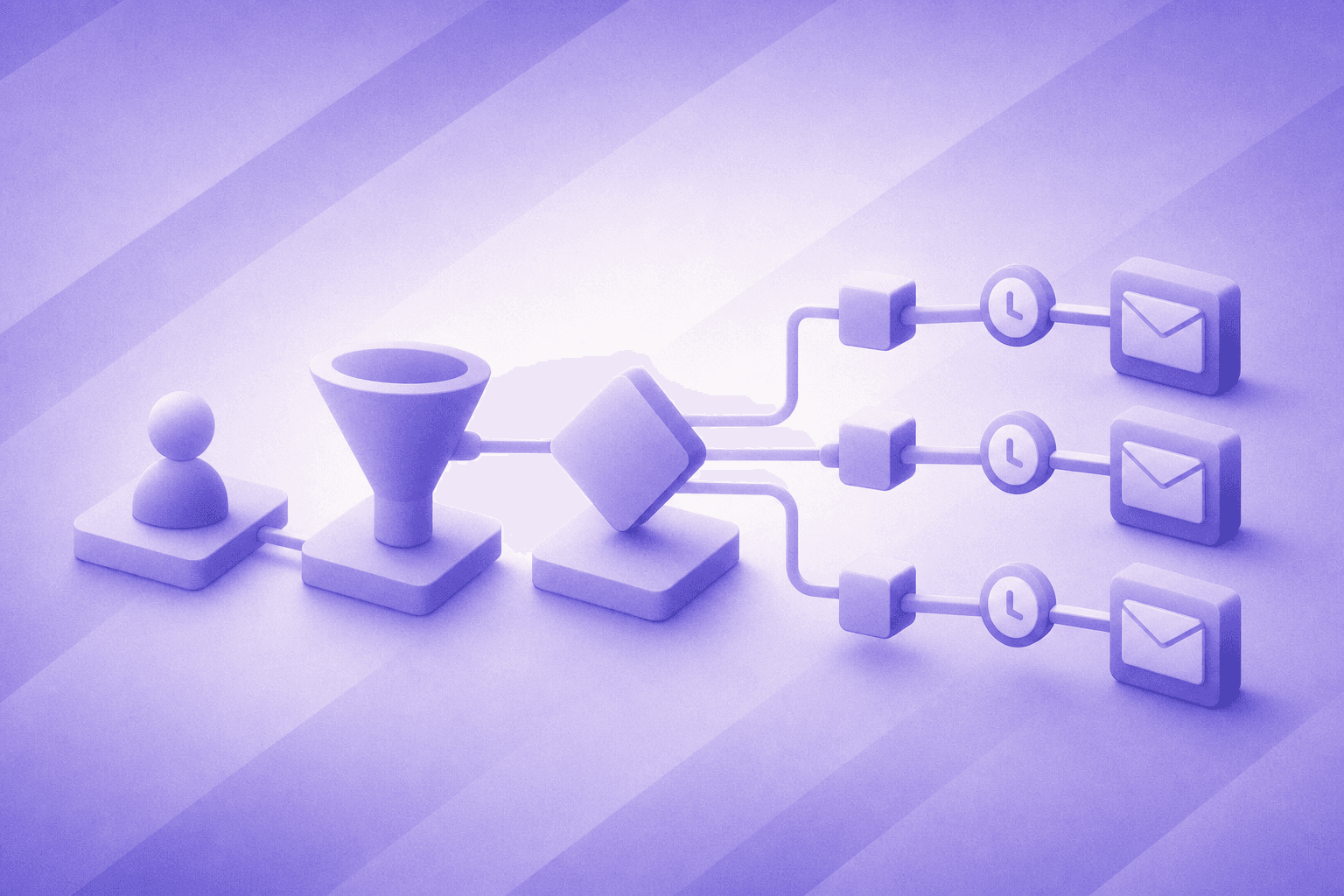
For teams with a developer or a dedicated RevOps resource willing to invest the setup hours, this works. You get granular control over logic, branching conditions, and data mapping.
The trade-offs are real, though. Building a reliable make.com follow up email automation sequence takes meaningful time, and that's before accounting for maintenance. When a connected app updates its API, a module breaks silently. When a new lead source gets added, someone has to rebuild the router logic manually, which is a limitation worth weighing against dedicated lead routing tools. There's no version history, no alerting when a scenario fails, and debugging a broken sequence mid-campaign means tracing through modules one by one.
For teams running a handful of campaigns with stable integrations, the DIY build is defensible. For teams where speed, volume, or campaign complexity is growing, the upkeep compounds faster than the initial build suggests.
Where It Breaks Down
Make.com handles the mechanics well. You can wire together triggers, filters, and HTTP modules to send follow-up emails on a schedule or based on lead behavior. For teams with a developer or a technically fluent ops person, that's workable.
The friction shows up in maintenance. Every time your CRM fields change, your lead routing logic changes, or a new campaign requires different follow-up timing, someone has to go back into the scenario and rebuild it. That's not a one-time setup cost; it compounds over time as your sequences grow in complexity.
The personalization ceiling
There's also the personalization ceiling. Make can pull field values and drop them into email templates, but generating follow-up copy that reflects where a lead actually is in their buying process requires logic that's difficult to express in a module-based workflow builder. It also depends on B2B website visitor identification data that Make simply doesn't capture.
For teams sending a few hundred leads through a single sequence, this trade-off is manageable. For revenue teams running multiple campaigns across different segments, the maintenance burden grows faster than the team's capacity to absorb it, and the sequences start to drift from the strategy they were built to execute.
The Purpose-Built Alternative
Breakout was built for this problem. Where Make requires you to assemble routing logic, scoring triggers, and follow-up sequences from scratch, Breakout ships with those workflows pre-configured for revenue teams.
The core difference is depth of context. Breakout pulls together signal from LinkedIn activity, website visits, email engagement, and CRM history before a follow-up is ever sent, grounded in warm outbound principles. That means your outreach reflects where a lead actually is in their decision process, beyond the moment they submitted a form.
You also get AI-generated follow-up copy that adapts based on lead behavior, so reps spend less time drafting and more time on conversations that are already warm. That is the foundation of inbound-led outbound. Enrollment rules, timing logic, and suppression conditions are set once, not rebuilt every time your team's workflow changes.
For revenue teams running high-volume outbound or managing complex inbound routing, the trade-off is clear: Make gives you flexibility if you have the engineering bandwidth to use it. Breakout gives you a faster path to working follow-up without the build cost.
Side-by-Side Comparison
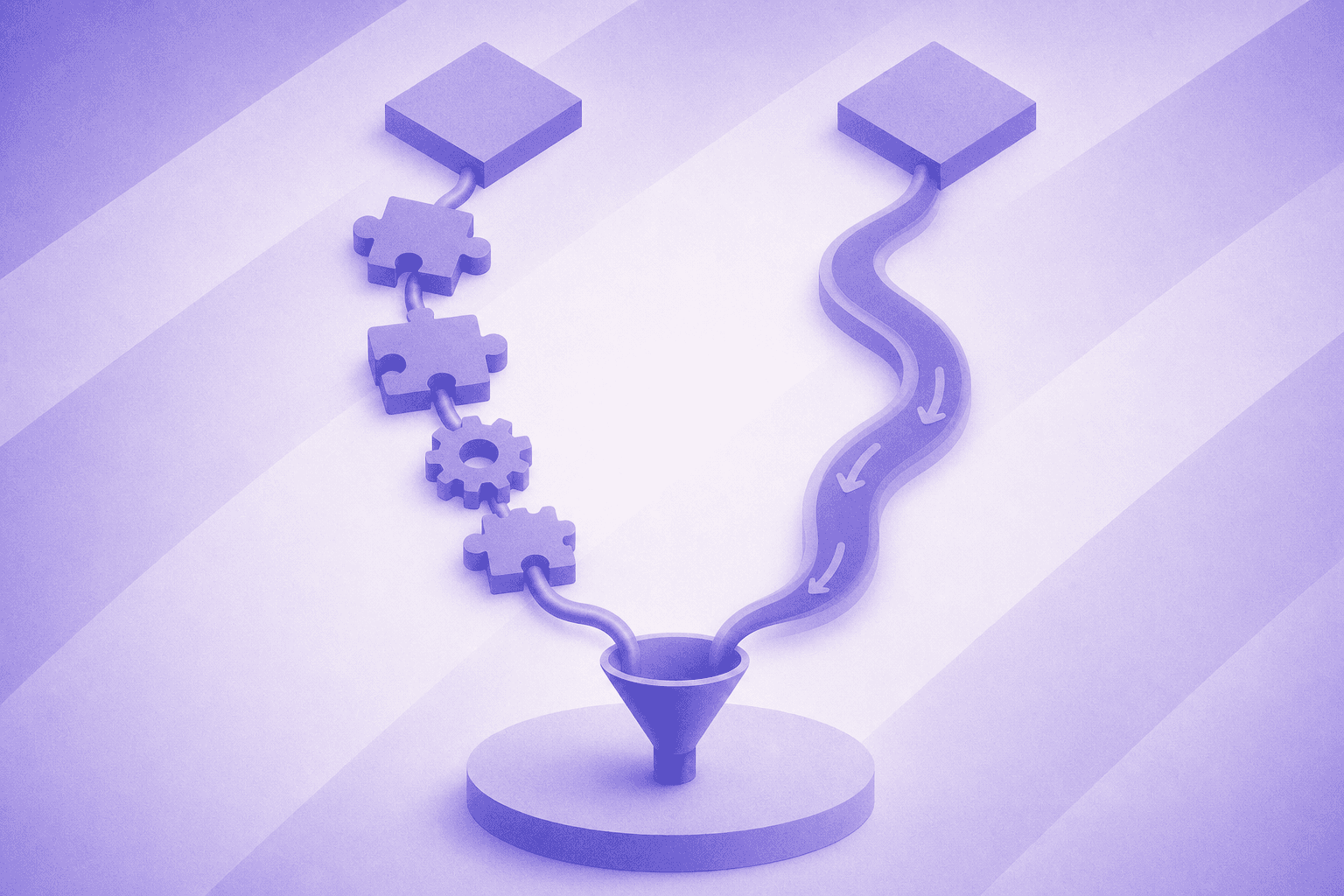
The structural differences between a Make DIY build and Breakout are easier to assess side by side than in prose. Here's how they compare across the dimensions that actually affect how your revenue team operates day to day.
Dimension | Make DIY Scenario | Breakout |
|---|---|---|
Setup time | Hours to days of configuration | Deploys in days with no mandatory implementation fee |
Trigger speed | Polling interval or webhook (variable latency) | Real-time signal-based execution |
Visitor intelligence | Form data only; no anonymous visitor identification | Company and person deanonymization before form fill |
Personalization depth | Merge-tag fields from form submission | Contextualized to pages visited, company, role, and intent signals |
Multi-channel follow-up | Email only (additional scenarios required per channel) | Email and LinkedIn plays in a single automated workflow (see best AI SDR software for inbound) |
Maintenance burden | Ongoing; API changes and credential expiration break scenarios | Zero; managed natively with no scenario rebuild required |
When Make Still Makes Sense
Make is a genuinely capable automation tool for the right use case. If your team has a developer or a dedicated ops person comfortable building and maintaining workflows, Make gives you fine-grained control over multi-step sequences that most point-and-click tools (including the top inbound AI SDR platforms) cannot match in raw configurability.
It fits well when your follow-up logic is complex but stable. Think conditional branching based on CRM field values, multi-system data lookups, or custom webhook triggers that fire based on specific lead behaviors, the kind of logic an AI BDR handles natively. If those workflows rarely change and someone owns them, Make delivers real value.
It also works well at the lower end of scale. Early-stage teams running a handful of campaigns with predictable lead flows can set up Make automations without much overhead.
The trade-off appears when your go-to-market motion starts changing faster than your workflows do. Make requires you to rebuild or reconfigure scenarios manually whenever your sequences, timing rules, or data sources shift. For revenue teams iterating quickly on messaging, segments, or outbound plays, that maintenance burden compounds fast, and the person who built the workflow becomes a hard dependency. That is why choosing the right AI SDR tools for your GTM stack matters.
Final Thoughts on Automating Follow-Up Emails With Make
Make gives you flexibility, but flexibility has a cost when your team is the one absorbing it. The right choice depends on how much your sequences change and whether you have someone who can keep up with that. If your team is past the point where manual upkeep makes sense, try Breakout to see what a lower-maintenance setup looks like.
FAQs
What's the fastest way to automate follow up emails in Make.com without rebuilding sequences every time your campaigns change?
The fastest Make.com follow up email automation is one you only have to build once, but that's rarely how it works in practice. Make's module-based builder gives you precise control over triggers, filters, and timing logic, but every routing change or new lead source requires a manual rebuild, making it a poor fit for teams iterating quickly on messaging or segments. If your campaigns are stable and someone owns the maintenance, Make is defensible; if your go-to-market motion changes faster than your workflows do, that upkeep compounds fast.
Make lead follow up automation vs Breakout: which one handles personalization better for high-volume outbound?
Make can merge field values from form submissions into email templates, but generating copy that reflects where a lead actually is in their decision process requires conditional logic that's difficult to express in a module-based workflow builder. Breakout pulls LinkedIn activity, website visit history, email engagement, and CRM data before any follow-up sends, so the outreach reflects actual buying behavior beyond the moment someone filled out a form. For high-volume outbound where personalization depth directly affects reply rates, that context gap is the practical difference between the two approaches, and B2B follow-up research shows that follow-up emails collectively account for over 58% of all replies, making sequence quality a meaningful lever.
How do I automate follow up emails in Make.com for leads coming from multiple sources?
To automate follow up emails in Make across multiple lead sources, you'll need a router module that branches logic by source type (form submission, CRM update, or webhook) with separate email module chains for each path and timed delays between touches. The build is achievable for a technically fluent ops person, but adding a new lead source means extending the router manually, and any API change in a connected app can break a branch silently without alerting anyone until a lead falls through the gap.
When does a Make.com follow-up sequence stop being worth the maintenance cost?
The maintenance cost becomes a real liability when your go-to-market motion is changing faster than your ops team can keep up. New segments, revised timing rules, additional channels, or shifting CRM field structures each require someone to go back into the scenario and reconfigure it by hand. A useful threshold: if the person who built your Make sequences is also the person your team calls when they break, you have a single point of failure that will slow down every campaign iteration until it's resolved.
Can I run email and LinkedIn follow-up plays together in Make.com without building separate scenarios?
Make.com does not natively combine email and LinkedIn outreach in a single sequence. Multi-channel plays require separate scenarios with their own triggers, credential management, and maintenance cycles. Breakout runs email and LinkedIn follow-ups in a single automated workflow triggered by the same lead signal, so you're not maintaining parallel sequences that can fall out of sync with each other as your campaigns evolve.


